AutoDash: Instantly Create Beautiful Data Apps with AI
Discover AutoDash, an intuitive AI-powered platform that transforms raw data into stunning, interactive Plotly dashboards in seconds. Streamline data analysis with simple steps for connection, AI insights, and publishing.
We are thrilled to introduce AutoDash, a streamlined solution for building beautiful data applications in moments. During the development of our previous AI data science SaaS, we observed a consistent need among users: a desire for a fast, simple tool optimized specifically for creating Plotly dashboards, rather than another complex analytics platform.
AutoDash is our answer – an intuitive platform that empowers anyone to convert raw data into stunning, interactive dashboards instantly.
You can access the AutoDash site here: https://autodash.art
Feature Overview
AutoDash simplifies the creation of comprehensive interactive analytics dashboards into a few straightforward steps:
Step 1: Connecting Your Data
Easily upload your data via CSV or Excel sheets. Currently, the platform supports tabular data formats.
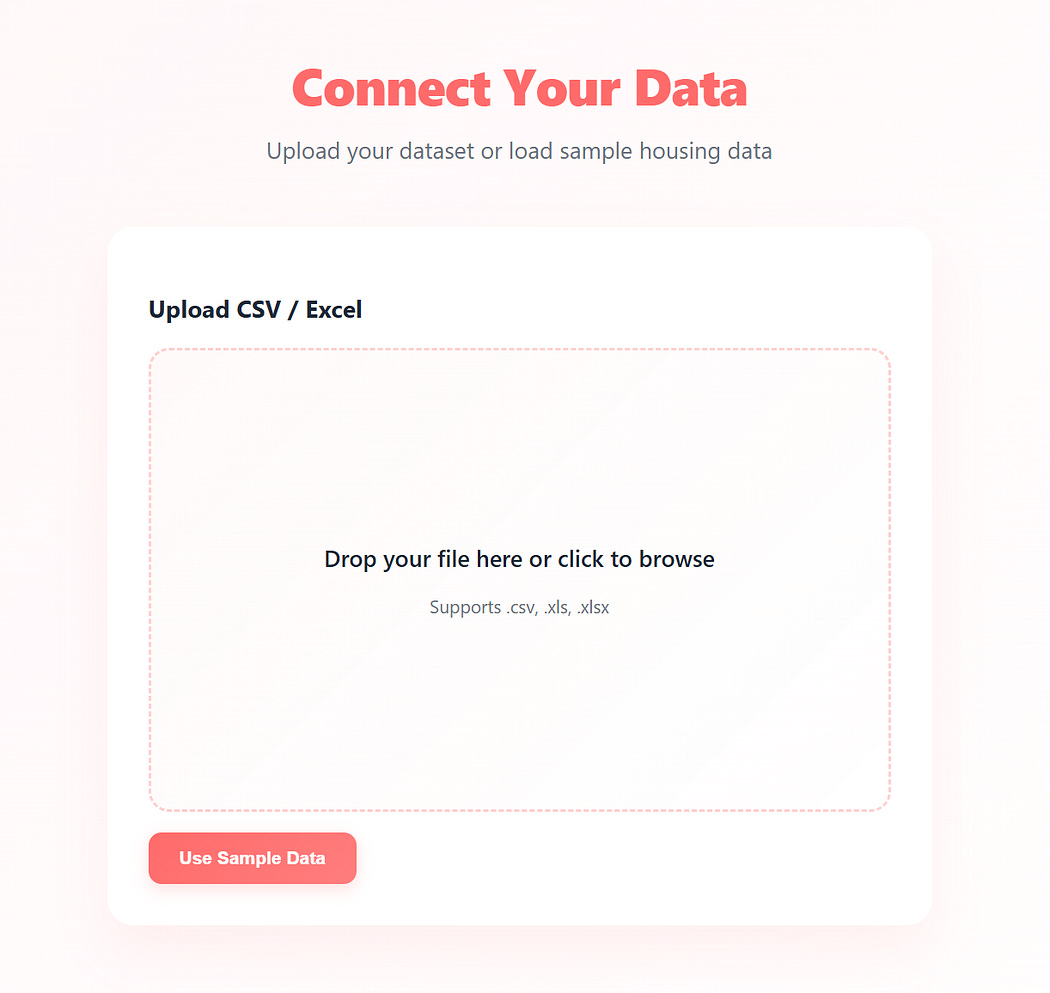
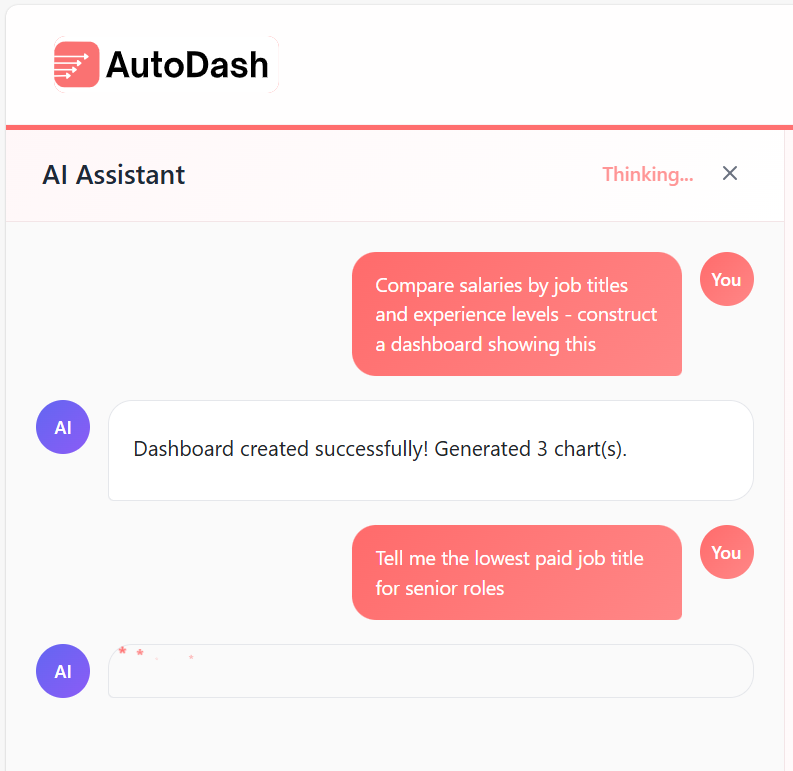
Step 2: Querying with AI for Analytics Questions
Utilize a simple text box to articulate the specific analytical insights or questions you want your dashboard to address.
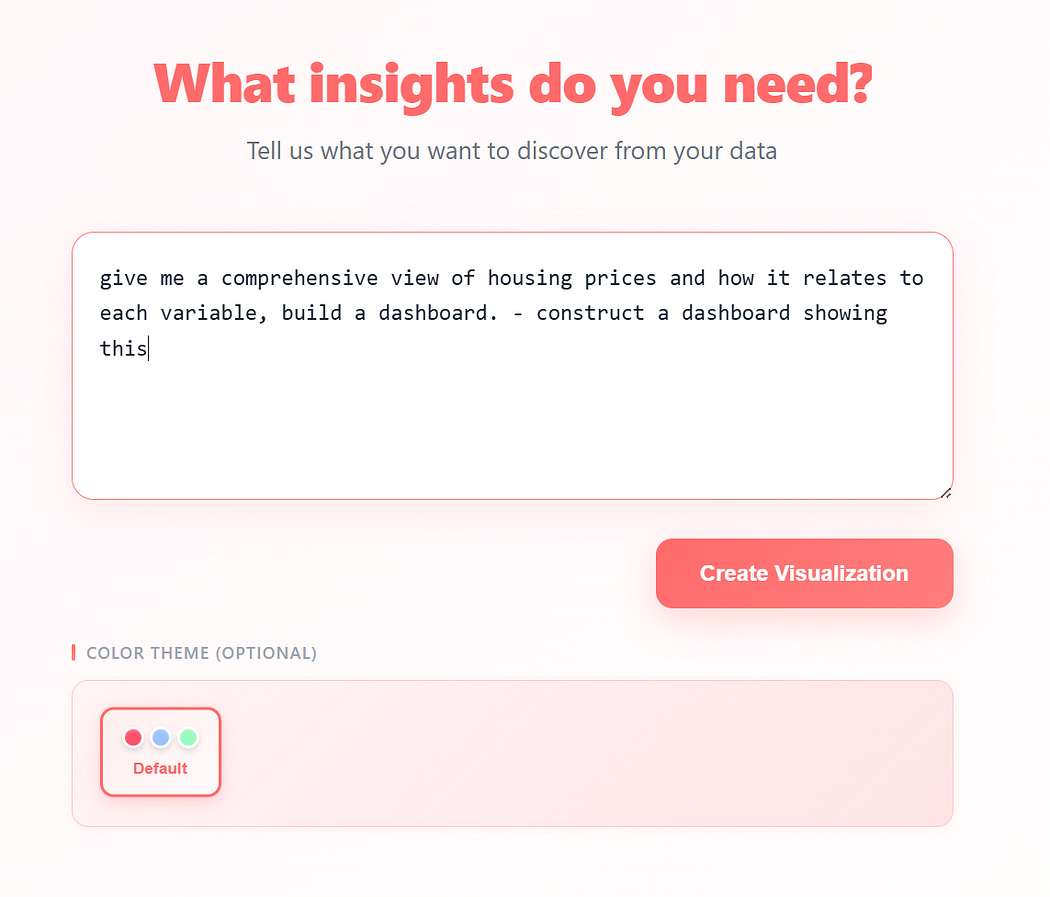
Step 3: Generating Instant Insights
AutoDash rapidly processes your query and data to provide immediate, actionable insights.

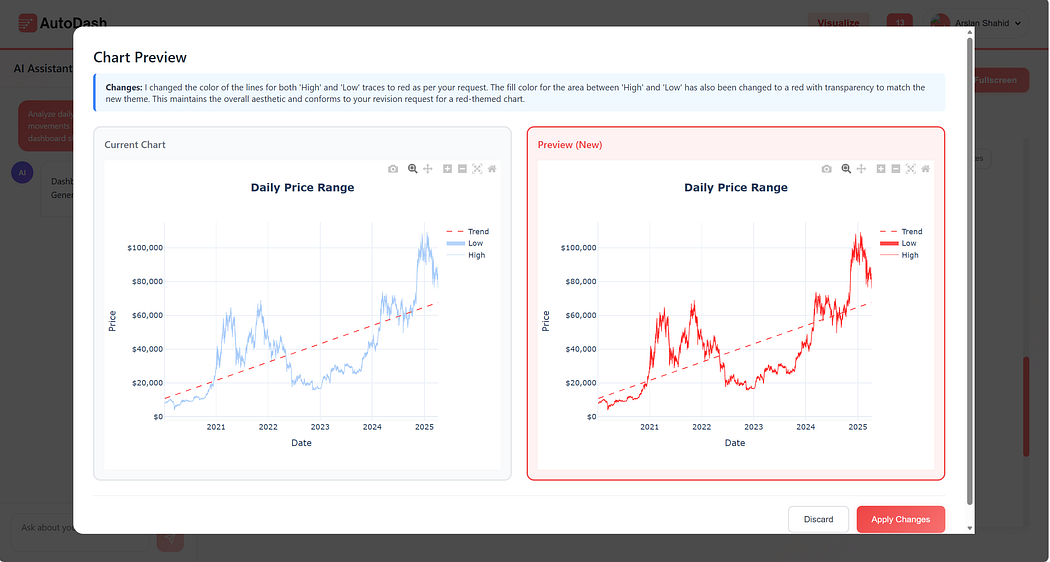
Step 4: Editing and Adding Charts
Refine your dashboard by editing existing charts or adding new ones using either the chat interface or dedicated edit buttons.
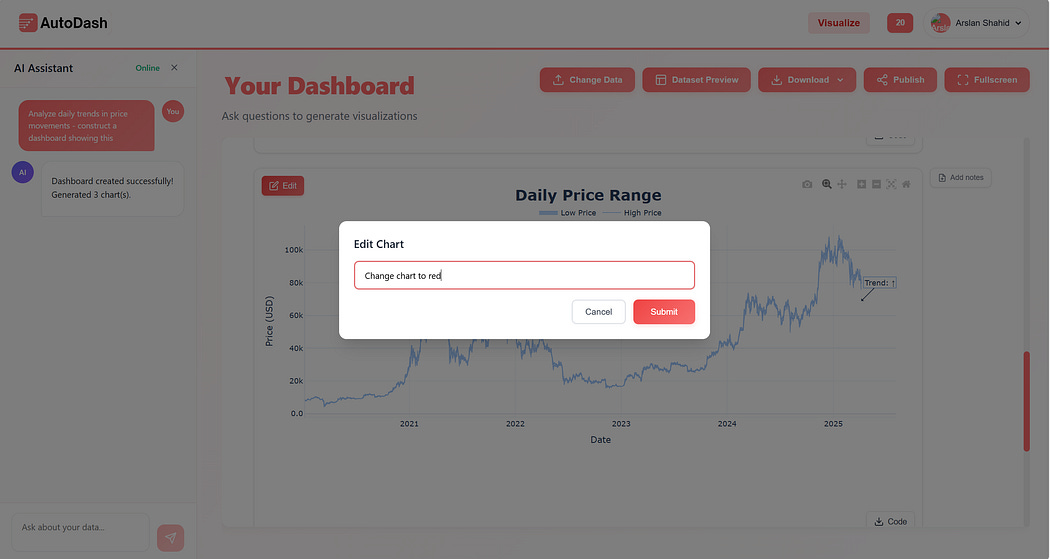
Applying your edits:
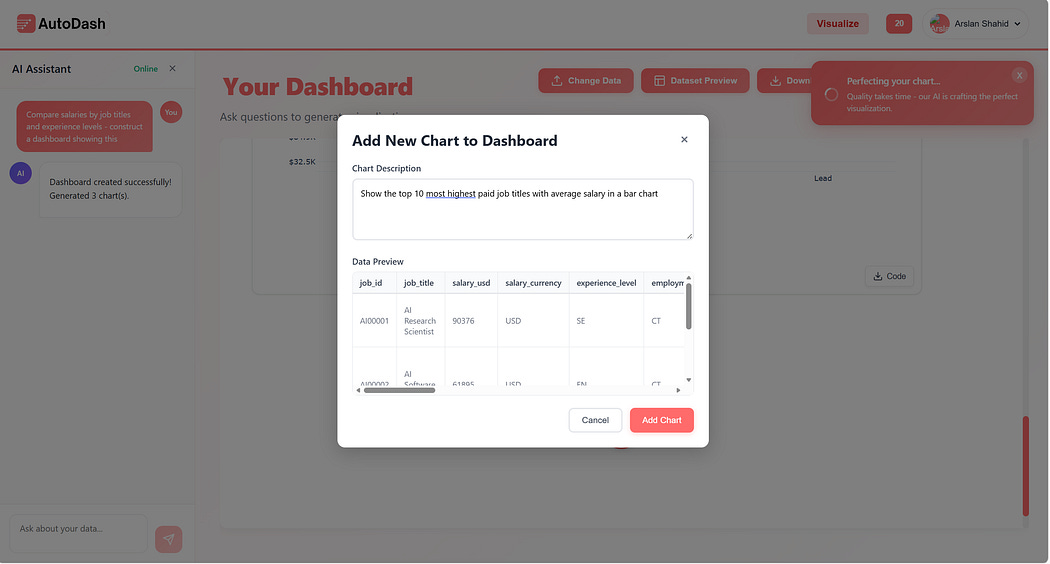
Add new charts effortlessly, leveraging either the chat function or the '+' button.
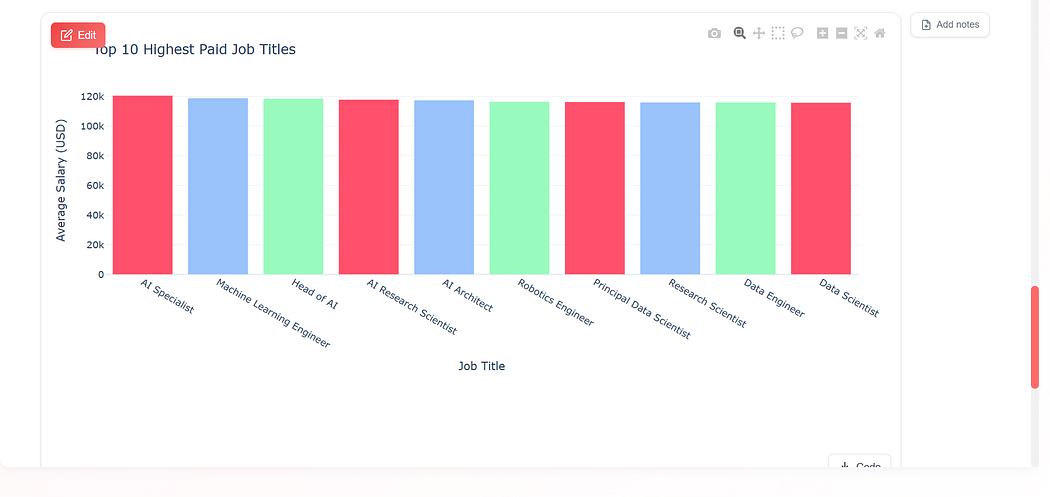
Observe your newly added chart integrate seamlessly:
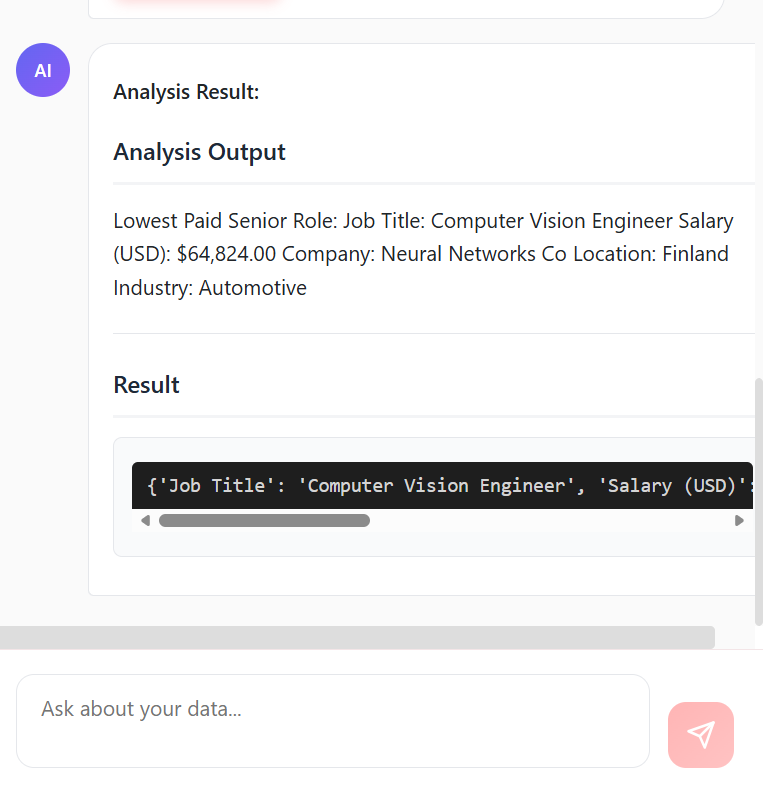
Step 5: Interactive Analysis
Dive deeper into your data with interactive elements, allowing for comprehensive analysis directly within the dashboard.
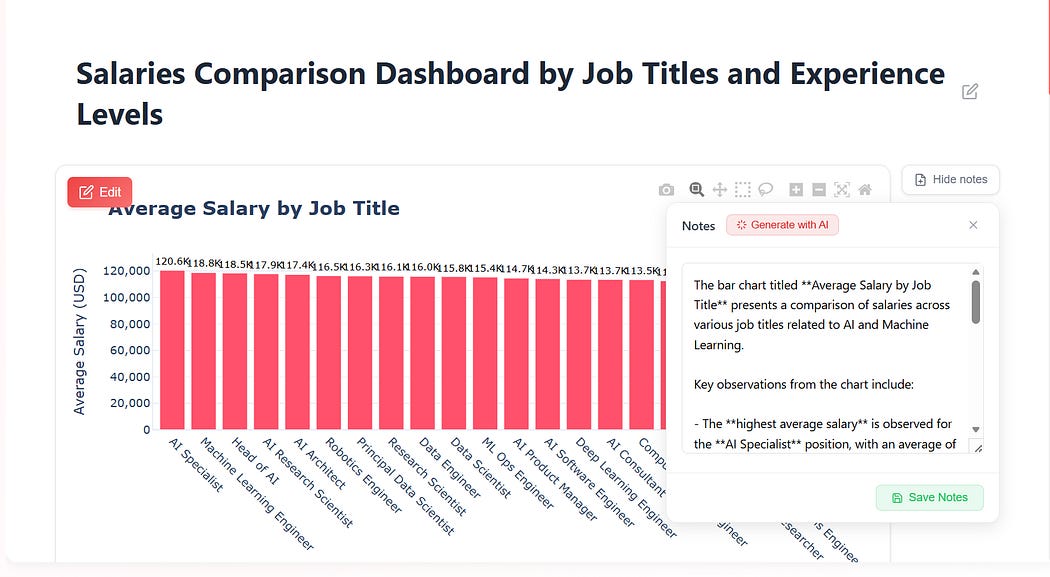
Step 6: Adding Notes to Highlight Important Information
Enhance collaboration and clarity by adding notes to highlight key insights or specific data points for colleagues or wider audiences.
Step 7: Publishing Your Dashboard to the World
Effortlessly host and share your newly created dashboards. The free version allows hosting for up to 24 hours, while the paid version offers permanent hosting.
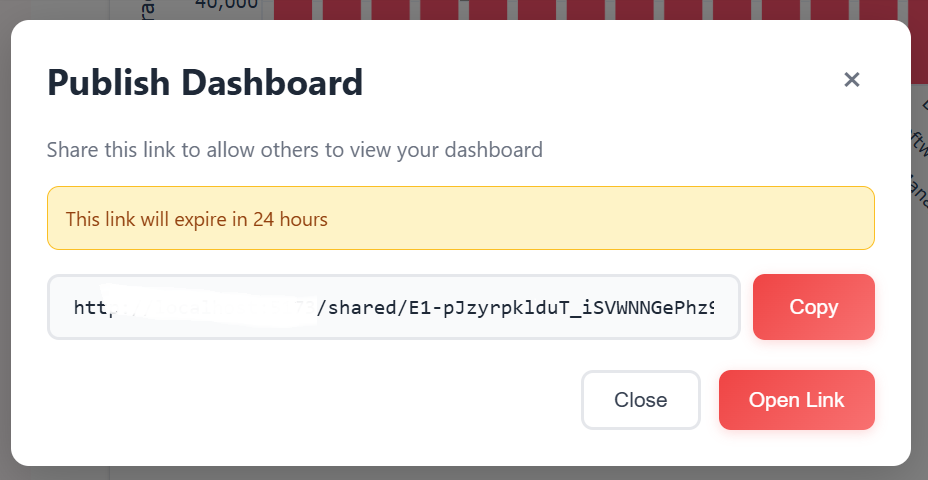
A shareable link is provided, valid for 24 hours on the free tier and indefinitely with the paid subscription.
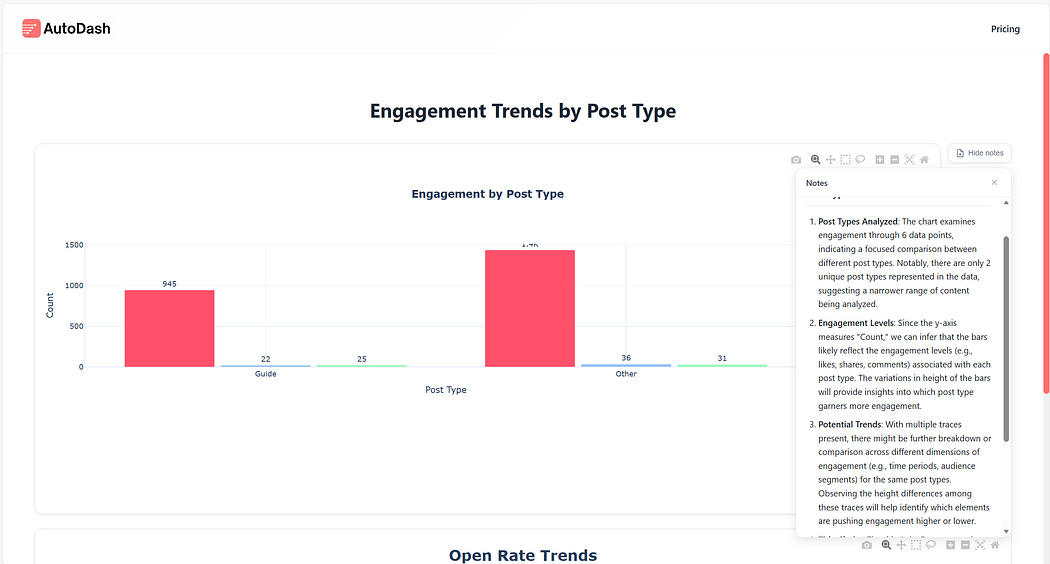
Share your compelling dashboards and insights with a global audience.
Special Offer
Get 40% off your AutoDash subscription by using the promocode SUBSTACK at checkout on autodash.art.
Enjoy generating powerful insights with AutoDash. We also offer specialized services for custom AI software solutions.
Should you have a specific use-case or product idea you wish to develop, please feel free to reach out here: https://tally.so/r/3x9bgo