Connect v0 to Notion: Build Apps, Dashboards, and Prototypes from Your Workspace
Discover how to seamlessly integrate v0 with Notion, transforming your team's PRDs and databases into dynamic dashboards, apps, and prototypes. Leverage existing knowledge to build faster.
Notion has become an indispensable, interconnected workspace for modern teams, serving as the central hub for Product Requirement Documents (PRDs), technical specifications, and crucial project context. Complementing this, v0 empowers teams to transform their ideas into functional dashboards, applications, and prototypes with remarkable speed. Now, these two powerful platforms converge.
You can now securely link v0 directly to your Notion workspace, ensuring that everything v0 creates is deeply rooted in your existing documentation and databases. This means v0 can build upon your team's knowledge, no matter where it resides within Notion.
Unlock New Possibilities with Context-Aware Building
With v0's direct access to your team's real-world context, you can accelerate development and build solutions that would traditionally require extensive data gathering and cross-tool integration. By leveraging Notion as a comprehensive knowledge base within v0, teams can now deliver:
- Dynamic dashboards and internal tools powered by Notion databases.
- Product prototypes generated directly from PRDs stored in Notion.
- Streamlined content workflows driven by briefs, calendars, and documents within Notion.
- Automated project and operations summaries derived from team trackers.
- Interactive product demos grounded in customer insights and feedback collected in Notion.
- Professional presentation slides created from Notion outlines.
The integration also features powerful write access, allowing v0 to actively contribute back to your Notion workspace. Imagine adding weekly summaries or AI-generated insights directly to project pages, updating PRDs with implementation notes or design refinements post-prototype generation, or saving newly generated content straight into relevant Notion pages. This keeps your projects aligned with your team's maintained information, drastically reducing tool-switching and boosting building efficiency.
How the v0 Team Leverages This Integration
Our team frequently organizes events. Previously, this involved a fragmented workflow: managing submission forms, an event details database in Notion, and separate spreadsheets for tracking reach and progress. While functional, this approach proved challenging to scale, hindering consistency, speed, and comprehensive insight extraction across our various initiatives.
Now, with the Notion integration, the entire process is simplified to a single prompt.
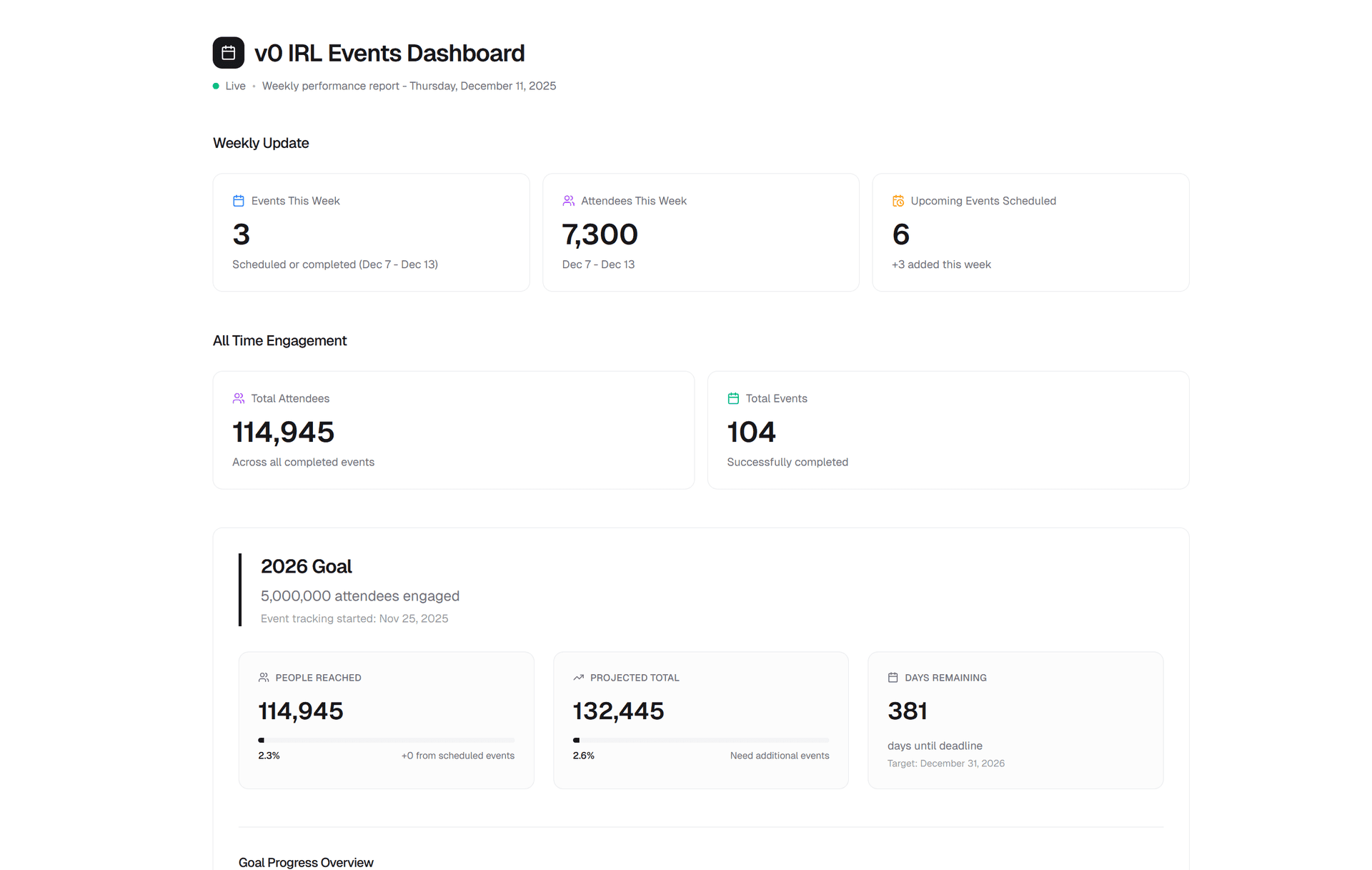
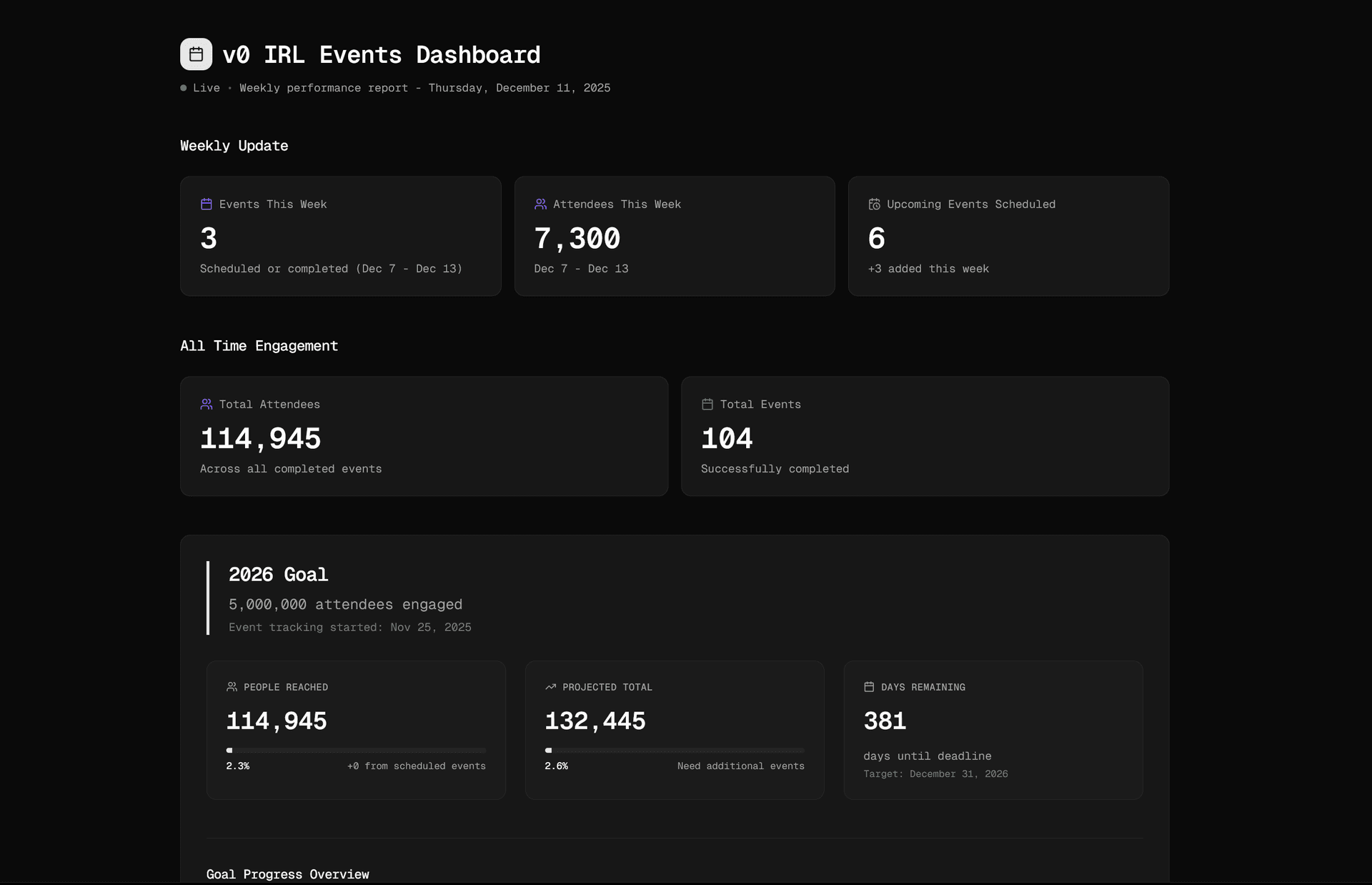
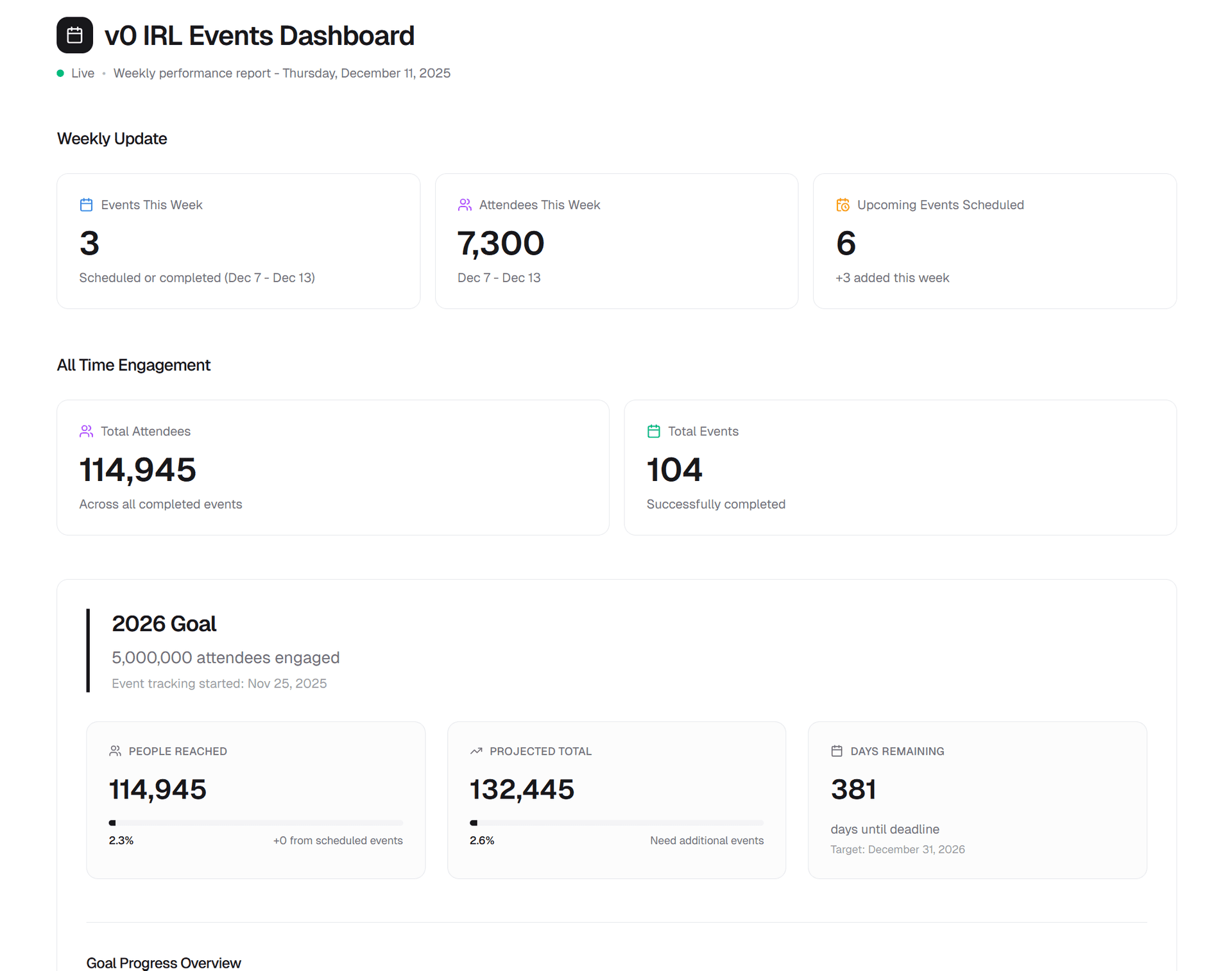
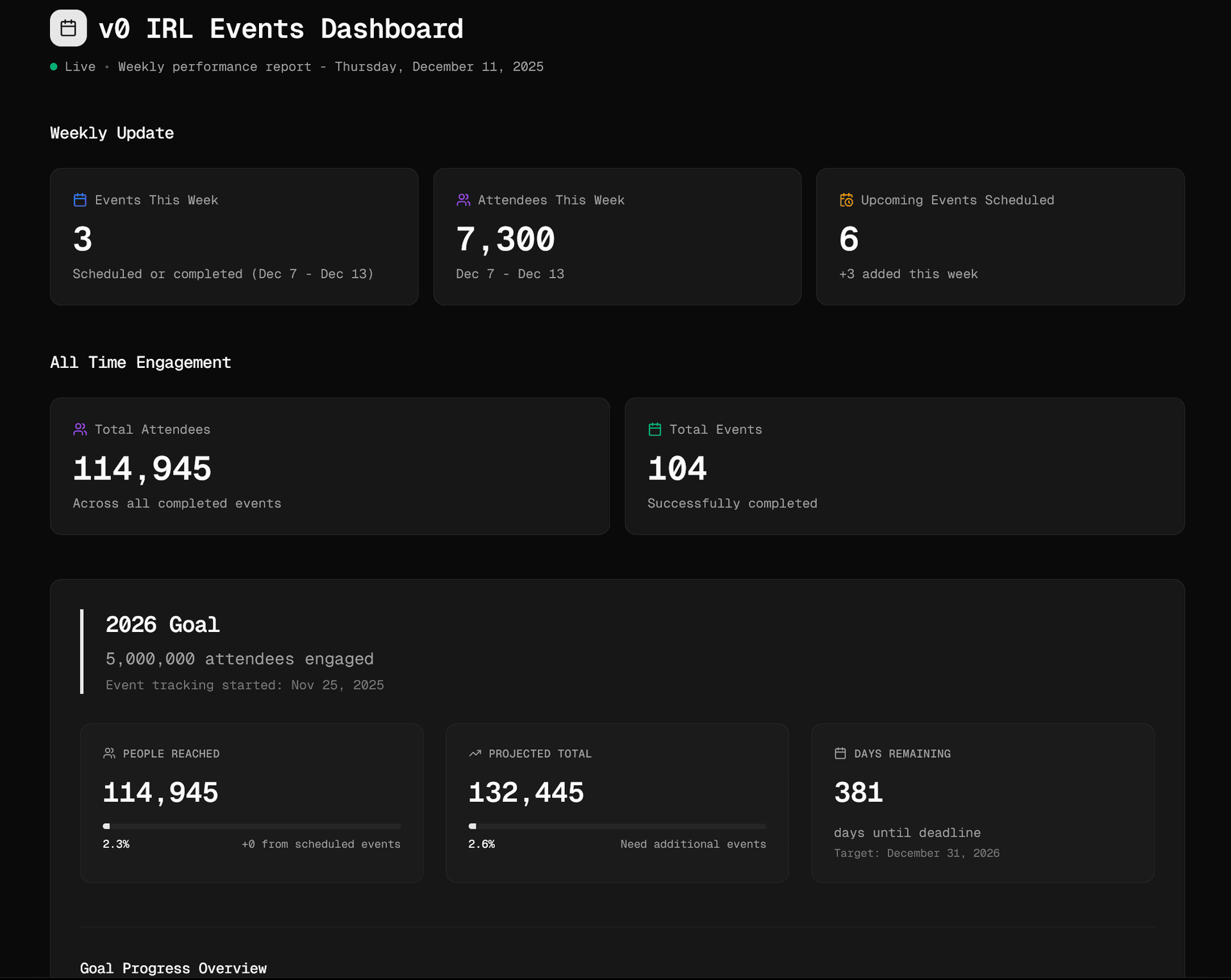
v0 now reads directly from our Notion database, generating a fully functional dashboard in mere seconds. From there, we iterate by refining metrics, enhancing the design, and incorporating summaries based on the database fields. Crucially, with write access, v0 doesn't just create the dashboard; it also writes the weekly summary and key metrics directly back into our Notion events page. This transforms a previously fragmented, multi-tool process into a single, repeatable workflow, all executed with just a few prompts.
Get Started Today
To begin building with this powerful integration, simply enable the Notion integration within your v0 project, connect your workspace, and start asking v0 questions about your data. If you're unsure where to begin, explore our starter template and customize it with your own pages and databases.
We are eager to witness your creations! Share your innovative workflows with us on X, within the Vercel community, or consider submitting it as a template for the broader community to benefit from.