Introducing the Islands Theme: The New Default Look for JetBrains IDEs
Discover the Islands theme, now the default in JetBrains IDEs (2025.3+). Experience a softer, clearer, and more focused environment designed to enhance comfort and productivity.
The Islands theme has been officially rolled out as the new default visual style across all JetBrains IDEs, starting with version 2025.3. This update represents more than just a superficial refresh; it's a deliberate effort to cultivate a soft, balanced, and highly focused environment, enhancing comfort throughout your development workflow.
Our journey to this new theme began earlier this year, involving extensive feedback collection, thorough research, and practical testing with developers who utilize our IDEs daily. The outcome is a contemporary, refined design, meticulously shaped by real-world usage and invaluable user input. It retains the familiarity of the IDE you already know, now presented in a softer, lighter, and more visually coherent package.
Let's delve into the details.
Softer, Clearer, and Gentler on the Eyes
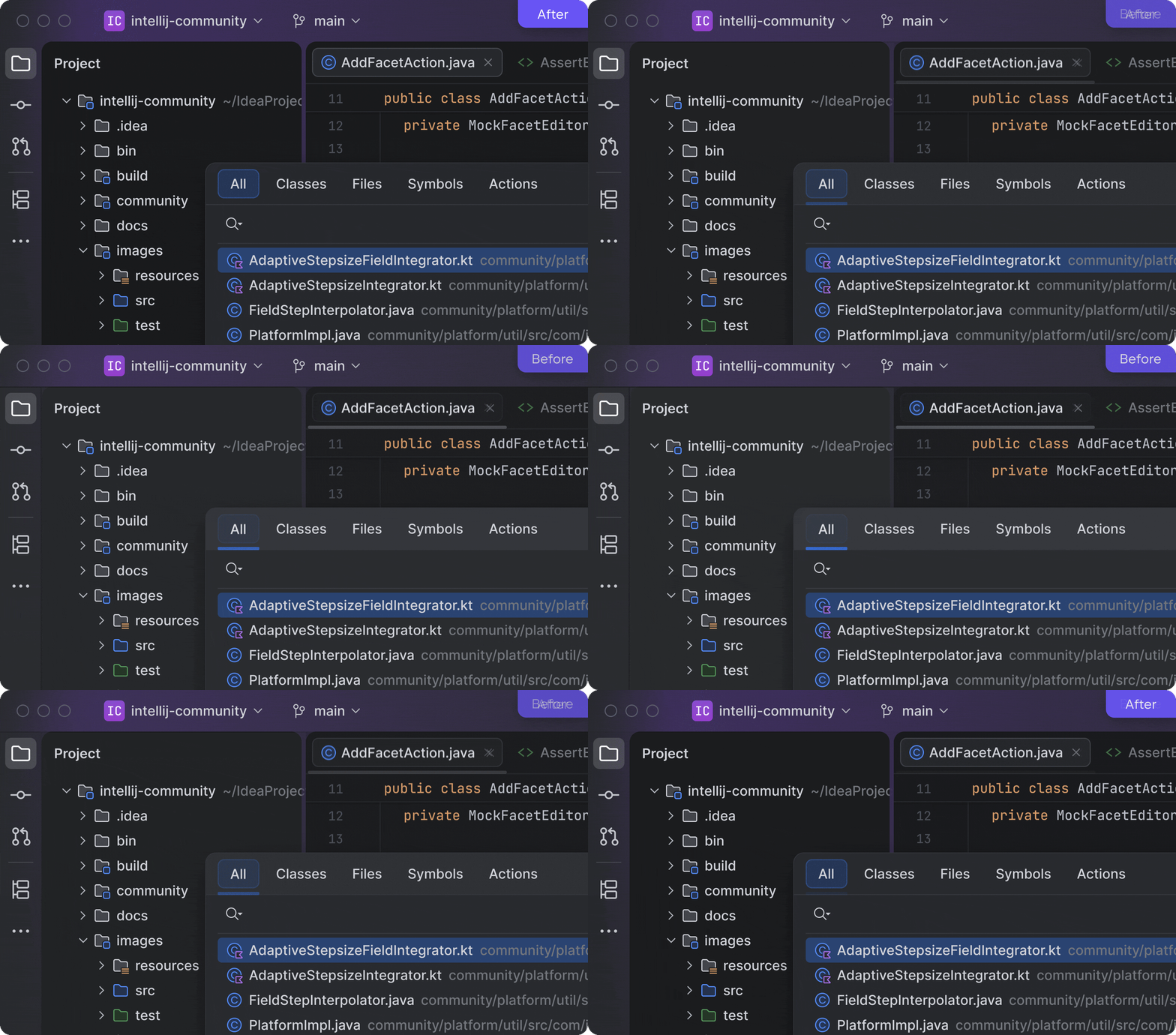
The Islands theme introduces a clean, uncluttered layout characterized by rounded corners and harmonious spacing, resulting in a user interface that feels softer and is significantly easier on the eyes. We've also enhanced the distinctiveness of tool window borders, simplifying the resizing of elements and the customization of your workspace.
"It’s a modern feel. The radius on the borders and more distinctive layers bring a fresh feeling to the UI."
Instant Tab Recognition
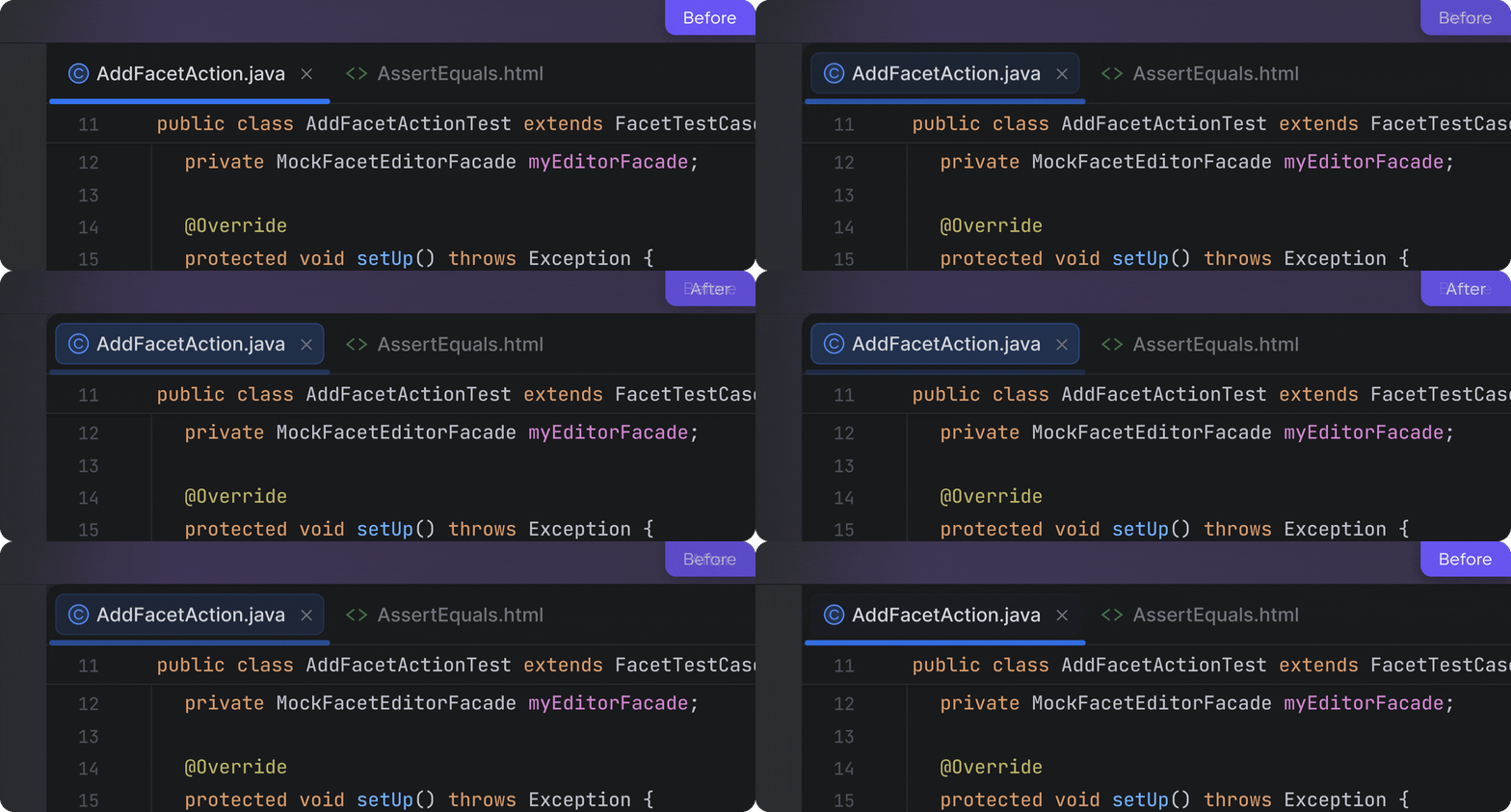
When navigating numerous files, locating your active tab should never impede your progress. The Islands theme significantly improves tab recognition, making the currently active tab unmistakably visible and effortlessly identifiable at a glance.
"The active tab is very obvious, which is really nice."
Organized Spaces for Enhanced Focus
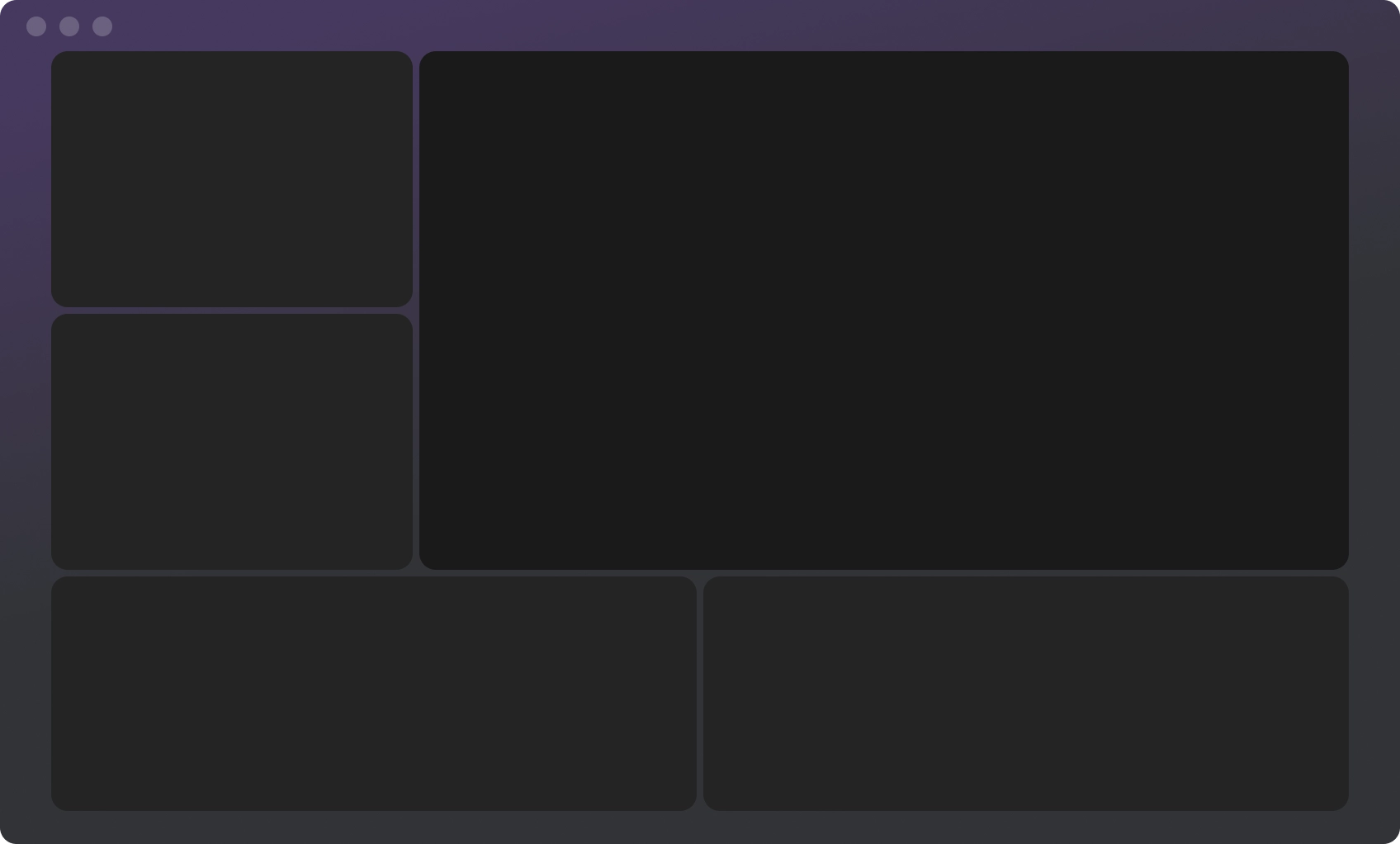
This new design establishes clear visual separation between distinct working areas, granting each component of the IDE—the editor, tool windows, and panels—its own defined visual space. This organized layout promotes easier navigation, allowing you to move through the IDE seamlessly without losing focus or momentum.
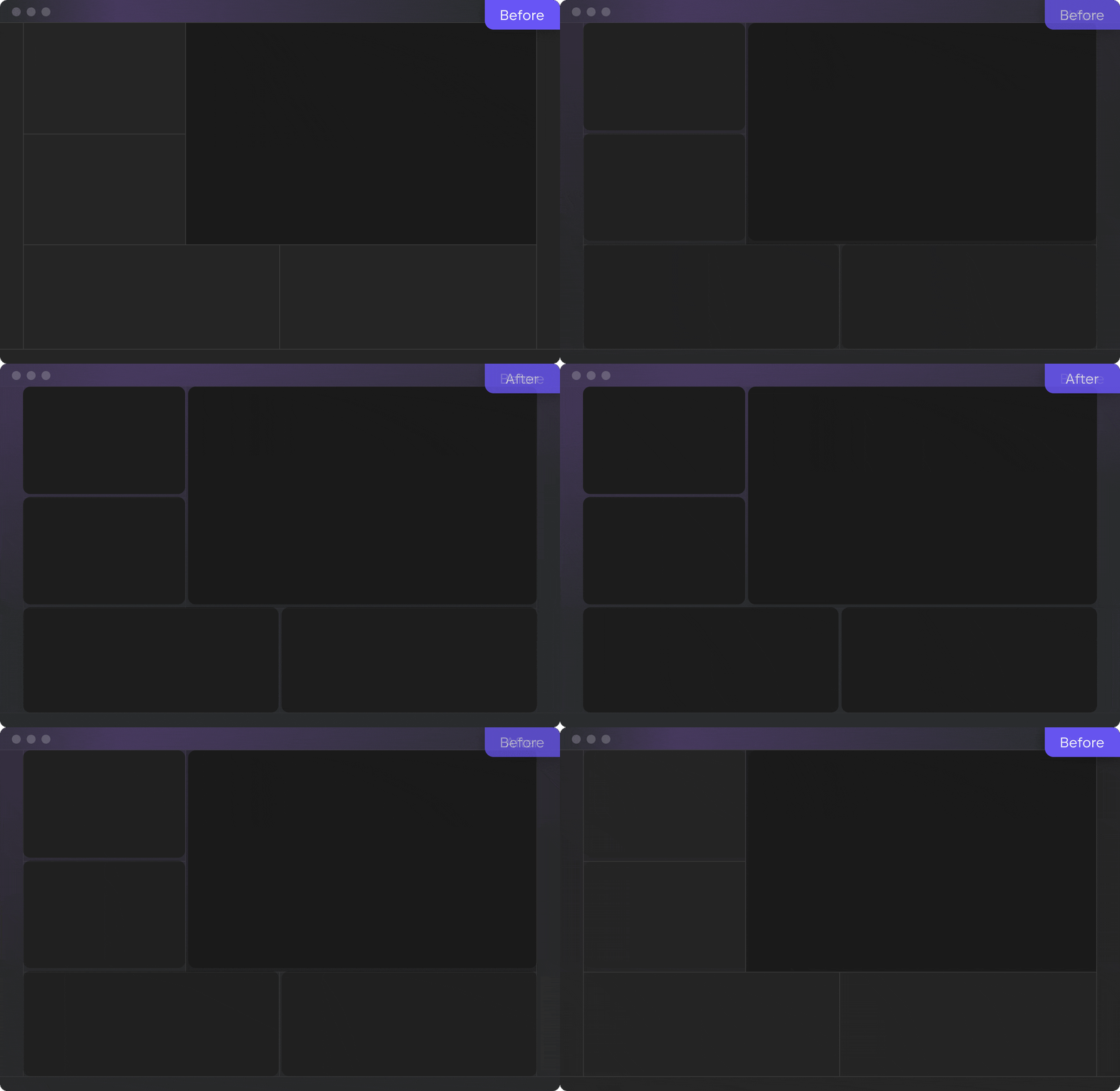
For those desiring even greater visual emphasis on the editor, the "Different tool window background" option can be activated within the Islands theme settings, accessible via Settings | Appearance.
We are thrilled to present the new Islands theme, now the default aesthetic across all JetBrains IDEs. This thoughtfully crafted visual update, informed by feedback from our daily users and aligning with modern design principles seen in macOS and Windows 11, delivers a softer, clearer, and ultimately more comfortable development environment. We are confident that this will empower you to maintain productivity and concentrate on what truly matters: your code.