PHP's Elvis Operator (?:) vs. Null Coalescing Operator (??): A Clear Guide
Demystify PHP's ?: (Elvis) and ?? (Null Coalescing) operators. Learn their distinct behaviors with truthy/falsy vs. null checks and when to use each for cleaner, more robust code.
In modern PHP development, two operators often cause confusion due to their similar appearance but distinct behaviors: the Elvis operator (?:) and the Null coalescing operator (??). While both offer concise ways to handle fallback values, misusing them can lead to subtle bugs. This guide will clearly explain the differences between them and demonstrate when to use each.
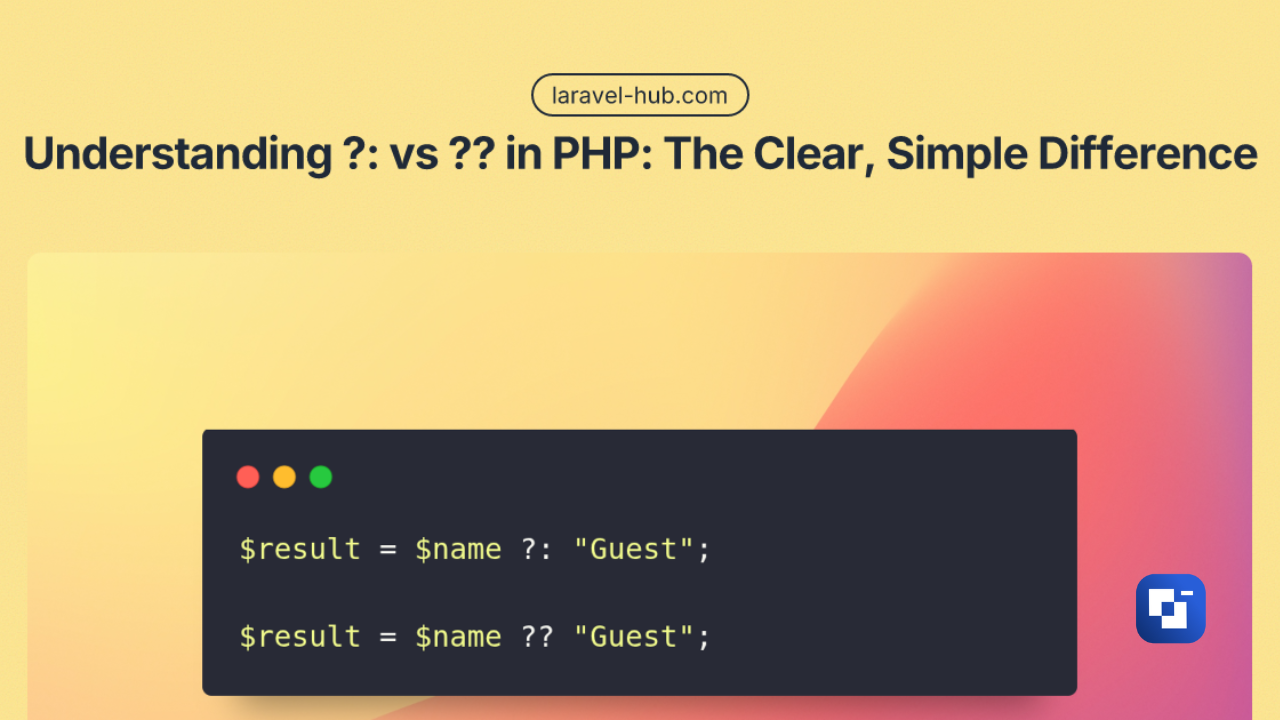
?: — The Elvis Operator
The Elvis operator (?:) checks for "truthy" values.
If the expression on its left side evaluates to true (is "truthy"), it returns that value. If the left side is "falsy", it returns the value on the right side.
What constitutes a "falsy" value in PHP?
Common "falsy" values include false, 0 (integer zero), "0" (string zero), "" (empty string), [] (empty array), and null.
Example 1:
$name = "";
$result = $name ?: "Guest";
echo $result;
// Output: "Guest"
In this example, since an empty string "" is considered "falsy", PHP uses the fallback value "Guest".
Example 2:
$count = 0;
echo $count ?: 10;
// Output: 10
Here, 0 is a "falsy" value, so the operator returns 10.
?? — The Null Coalescing Operator
The Null coalescing operator (??) is much more specific: it checks only for null.
If the left side is not null, it returns that value. If the left side is null, it returns the value on the right side. This operator does not consider other "falsy" values like empty strings or zero.
Example 1:
$name = "";
$result = $name ?? "Guest";
echo $result;
// Output: ""
Even though "" is an empty string, it is not null. Therefore, the ?? operator returns the original empty string.
Example 2:
$count = 0;
echo $count ?? 10;
// Output: 0
Similarly, 0 (integer zero) is not null. The ?? operator keeps the original 0.
Real-World Example: Handling User Input
Consider an age field submitted from an HTML form, where a user might input 0.
// Use ?? to default to null if 'age' key is missing from $_POST
$age = $_POST['age'] ?? null;

// Default to 18 only if $age itself is null (meaning the key wasn't in $_POST or was explicitly set to null)
$finalAge = $age ?? 18;
echo $finalAge;
If the user types 0, it should be accepted as a valid age. The ?? operator correctly preserves 0 because 0 is not null.
However, if you accidentally use ?: in this scenario:
$finalAge = $age ?: 18;
echo $finalAge;
If the user inputs 0 for age, 0 is "falsy". The ?: operator would then incorrectly return 18, overriding a valid user input.
Quick Summary
| Operator | Checks For | Example Behavior |
|---|---|---|
?: | Falsy values (0, "", [], false, null…) | 0 ?: 10 → 10 |
?? | Null only | 0 ?? 10 → 0 |
When to Use Each Operator
-
Use
??(Null Coalescing): When you specifically want to check only fornullvalues. This is ideal for handling potentially undefined variables, array keys, or configuration values, ensuring that valid empty strings or zeroes are not unintentionally replaced.- Perfect for: Request data (e.g.,
$_GET,$_POST), configuration values, environment variables.
- Perfect for: Request data (e.g.,
-
Use
?:(Elvis): When you need a fallback for any "falsy" value. This is useful when an empty string, zero, orfalseshould imply "use the default."- Useful when: An empty or zero value explicitly means "use the default fallback."