Programming in the Sun: A Year with the Daylight Computer
An in-depth report on using the Daylight DC-1 tablet for programming in natural sunlight, comparing its 'Live Paper' display with the Boox Tab Ultra's E-Ink for coding, writing, and drawing, with a detailed setup guide.
After a year of hinting on X/Twitter about my use of the Daylight DC-1 as a programming environment, it's time to share a more comprehensive account. This post is not a full product review, but rather an experience report focused on coding in direct sunlight. It also explores the Boox Tab Ultra, with its distinct display technology, and how it compares to the DC-1 for my specific workflows.
Please note, this is not a sponsored post.
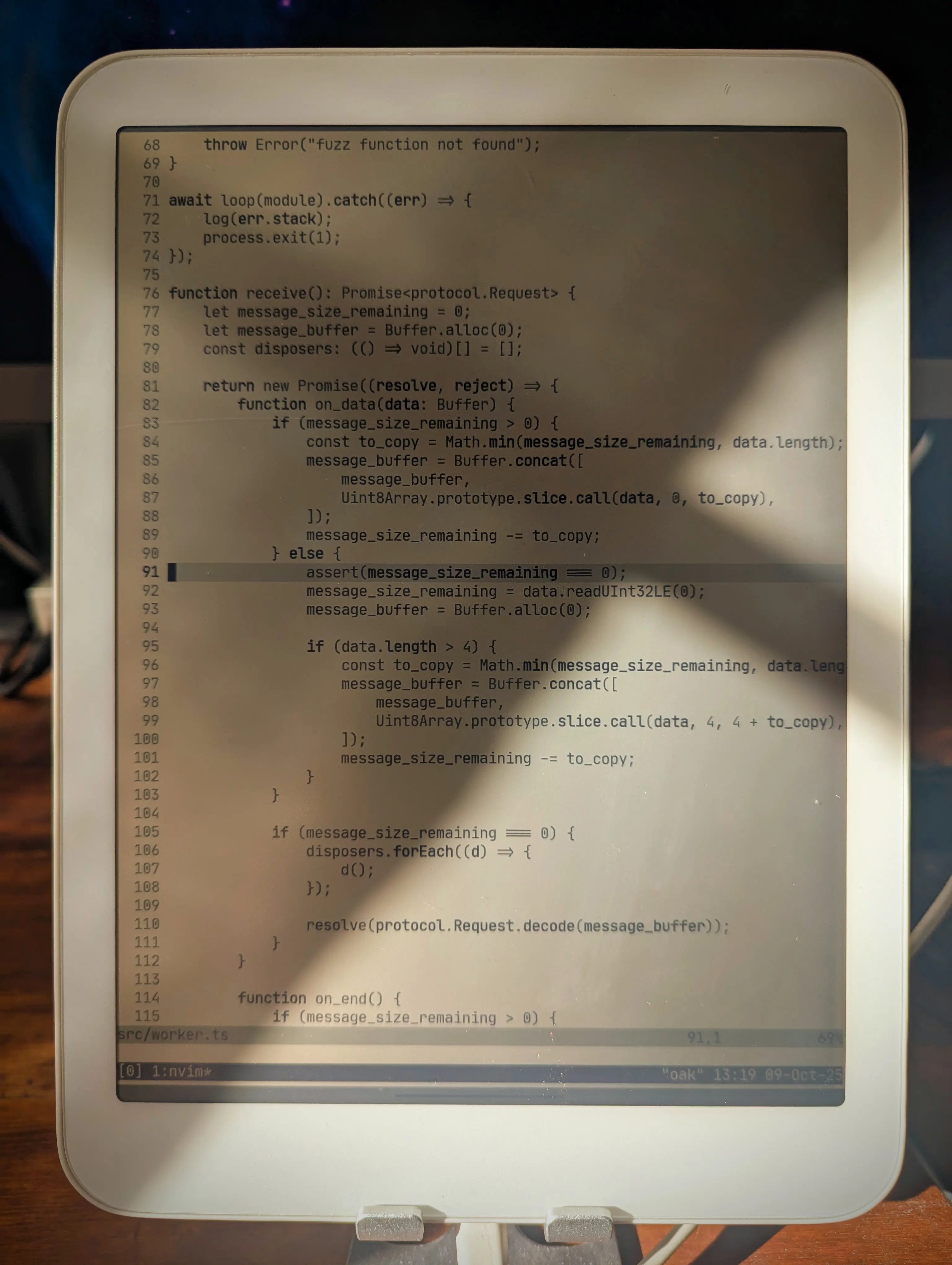 Neovim in Termux on the Daylight DC-1.
You might wonder about the motivation behind this setup. Sunlight invigorates me and enhances my alertness—qualities I find crucial for productive work. As someone living in the Nordics, where half the year is predominantly dark, maximizing exposure to direct daylight is paramount. While I typically use light mode on my Framework laptop during the day, working with these specialized displays, or even plain paper, under actual daylight conditions proves even more beneficial.
The Setup
Here are the main components of this coding environment:
- Daylight DC-1: An Android-based tablet featuring a "Live Paper" display (Reflective LCD, distinct from E-Ink).
- 8BitDo Retro Mechanical Keyboard: A mechanical, Bluetooth-enabled keyboard, equipped with Kailh key switches, offering USB-C charging and optional wired connectivity.
- Termux: A terminal emulator for Android, boasting a package collection built upon
apt. - SSH, tmux, and Neovim: Standard tools for a command-line environment.
I utilize a slimmed-down version of my regular dotfiles for this setup, as it does not employ Nix. I've manually installed Neovim, tmux, and other essential tools using Termux's package manager. Termux is configured to suppress its virtual keyboard when a physical Bluetooth keyboard is connected. The chosen Termux theme is "E-Ink", and the font is JetBrains Mono, both integrated into Termux. Neovim employs the built-in quiet colorscheme for maximum contrast.
For tasks demanding a more robust environment, I connect to my workstation via SSH and run tmux there. However, for writing or simpler programming projects (including some Rust development with Cargo), the local Termux environment is entirely sufficient.
For moments when I seek extreme minimalism, I hide the tmux status bar and activate Goyo within Neovim. This pared-down environment, which encourages deep focus, is particularly conducive to tasks like writing blog posts.
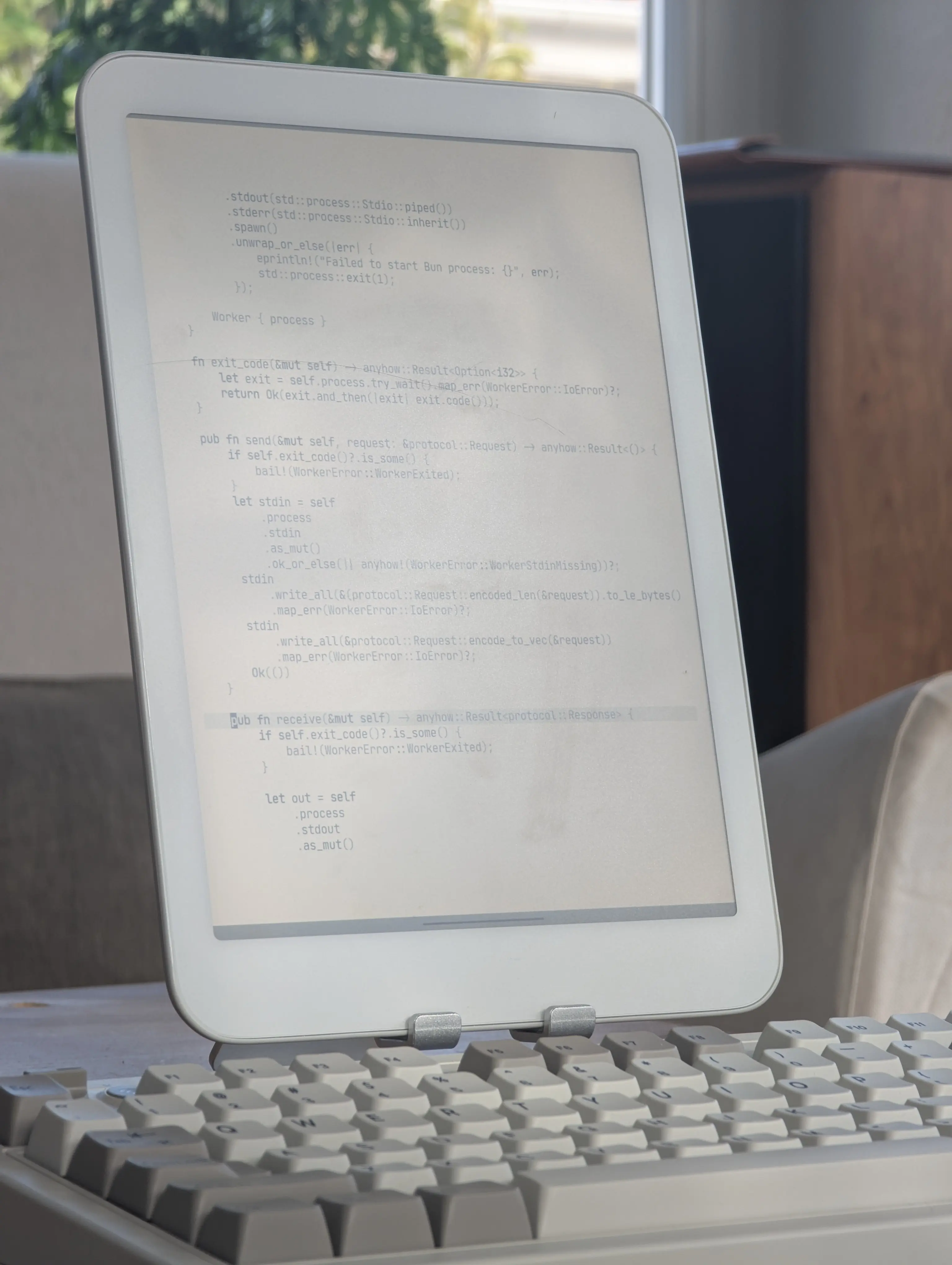 Minimalist typing with Goyo in Neovim.
My blog editing workflow operates locally in Termux, with a live-reloading Chrome instance in a split window. The image below shows this setup during an evening writing session, with the warm backlight enabled:
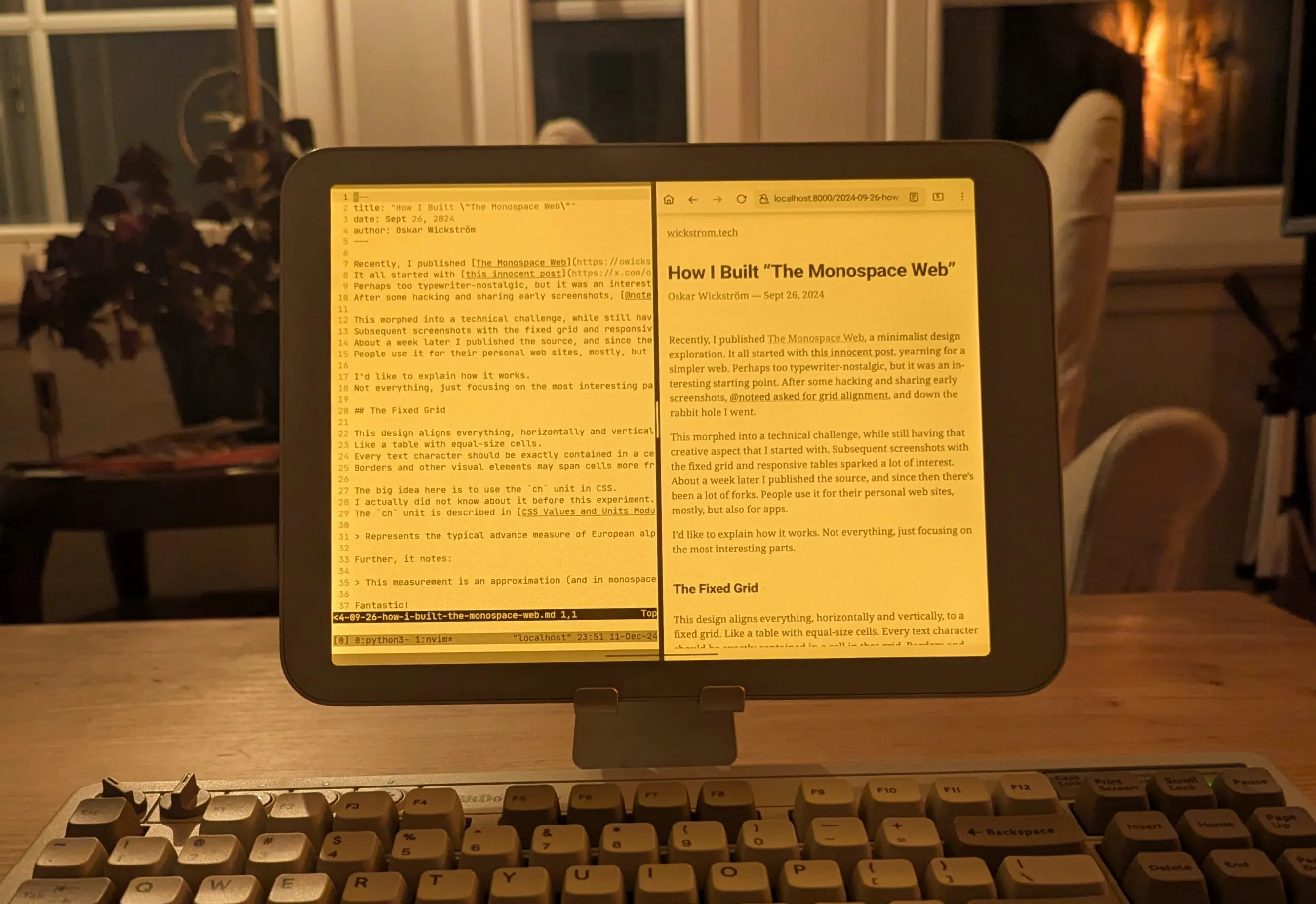 Split-screen blogging locally on the Daylight.
I occasionally encounter Bluetooth connectivity issues with the 8BitDo keyboard. Furthermore, I'm not entirely satisfied with its layout, prompting me to consider the Kinesis Freestyle2 Blue as an alternative. I already utilize the wired version for my main workstation and can attest to its excellent ergonomics.
Daylight DC-1 vs Boox Tab Ultra
What about the Boox Tab Ultra? I've owned this device for a longer period and appreciate it greatly, though for different applications. Frankly, the E-Ink display offers a significantly more pleasant reading experience for EPUBs, research PDFs, web articles, and similar content. Its 227 PPI, compared to the Daylight's 190 PPI, provides a noticeable improvement, and I generally prefer the aesthetic of E-Ink.
However, the Boox's refresh rate and ghosting can be somewhat frustrating for typing. The same applies to drawing, a task for which I've extensively used the Daylight. Indeed, most of my home renovation blueprints were sketched on the Daylight, precisely because its refresh rate accommodates such activities.
For nighttime reading, especially with a direct bedside lamp and subtle backlight, the Boox performs superiorly. The Daylight's screen can exhibit considerable glare, often necessitating the use of backlight only, which diminishes its paper-like quality.
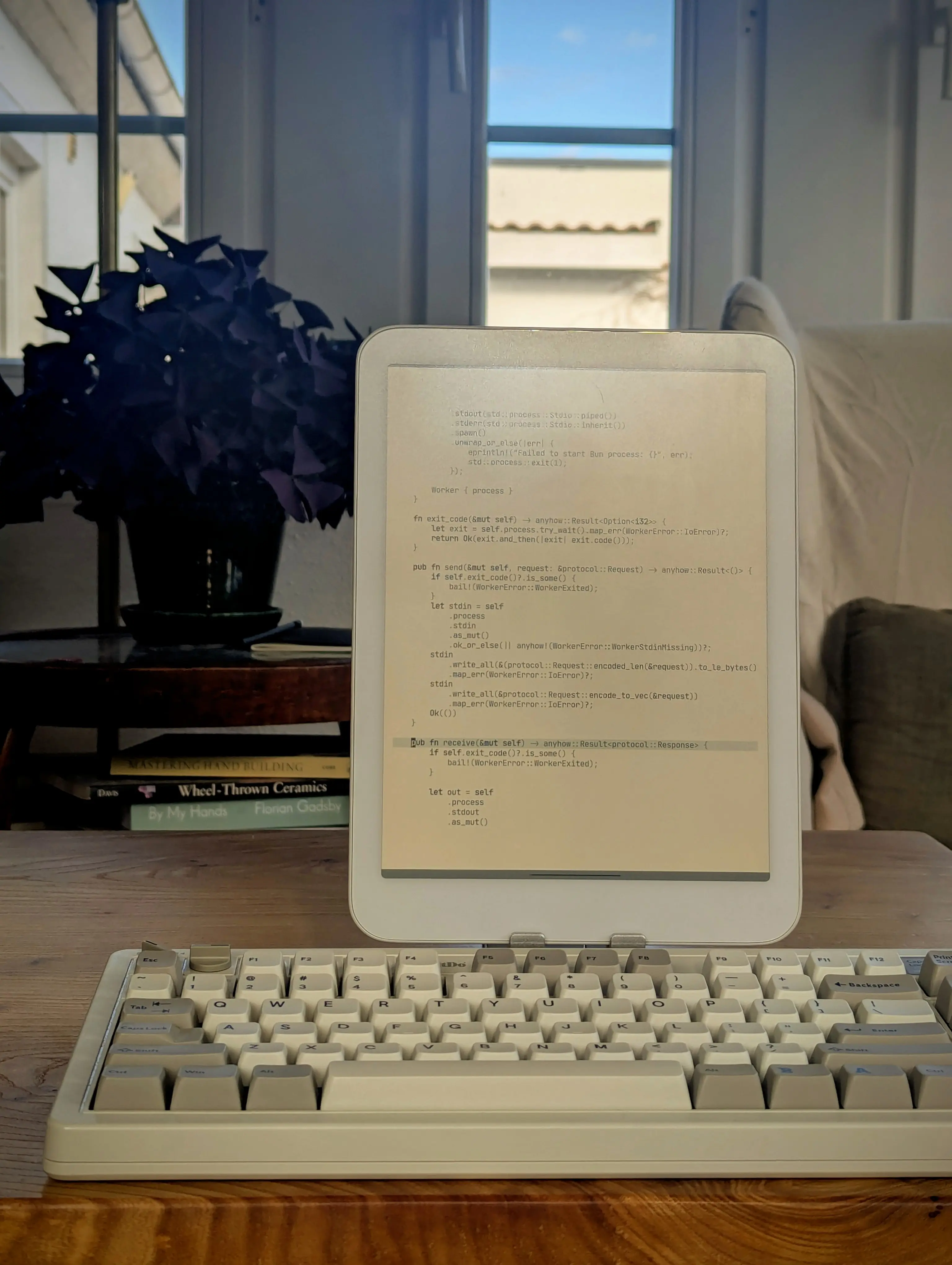 You may get glare in direct sunlight or from lamps at some angles.
While I don't typically write or program directly on the Boox, I have successfully experimented with using it as a secondary display, for instance, to preview a live-reloading blog:
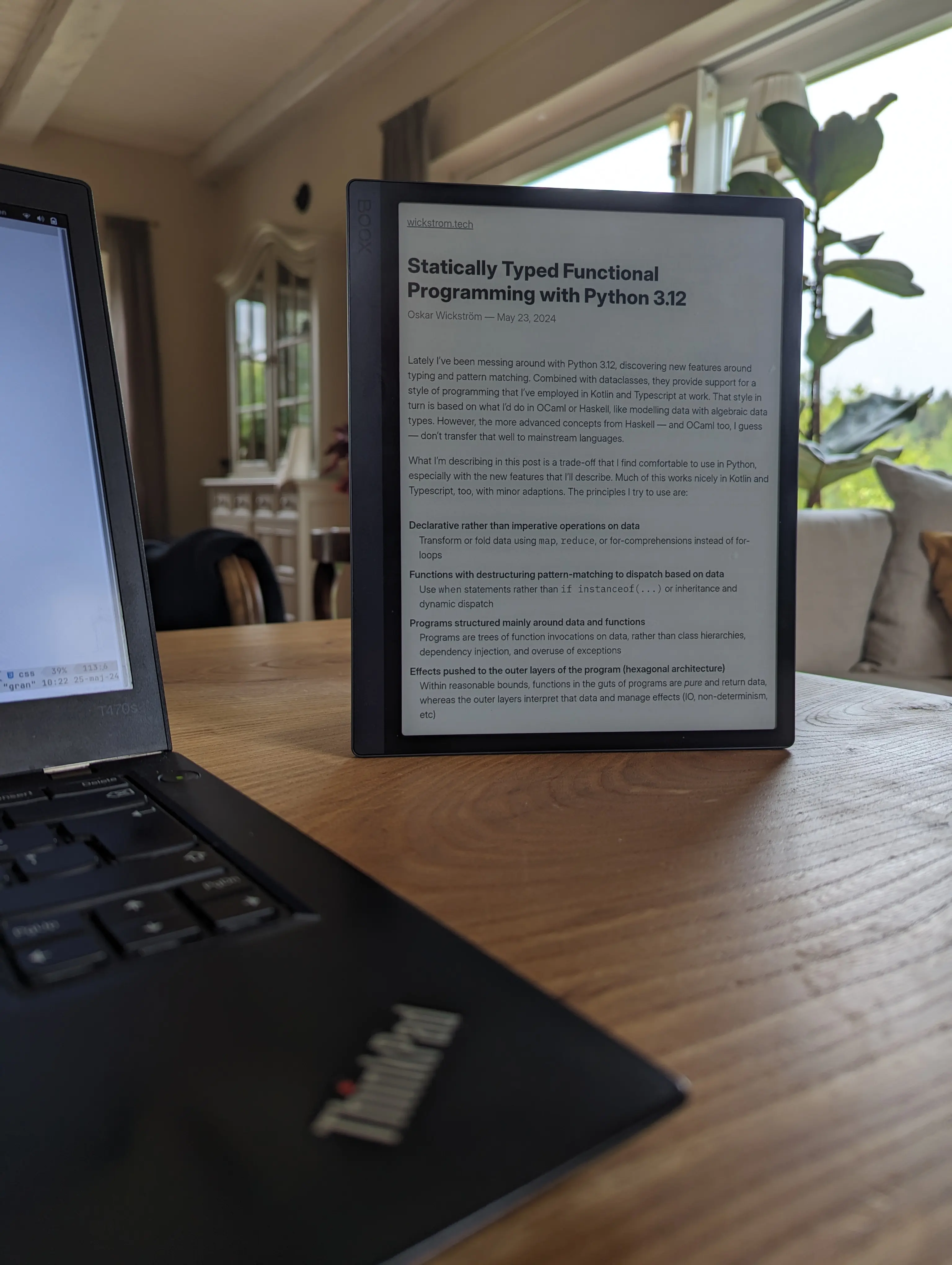 Using the Boox Tab Ultra as a secondary display by browsing the live reload HTTP server.
In summary, my experience indicates that these devices excel in different domains. I've likely dedicated more time to the Boox, having owned it longer and used it extensively for reading, but the Daylight has proven significantly more effective for typing and drawing.
Looking ahead, I'm keen to experiment with a larger E-Ink monitor for my workstation, similar to the one Zack is currently developing. I remain hopeful for continued advancements in E-Ink's refresh rate, as I deeply appreciate the technology. Until then, the Daylight offers a commendable compromise.
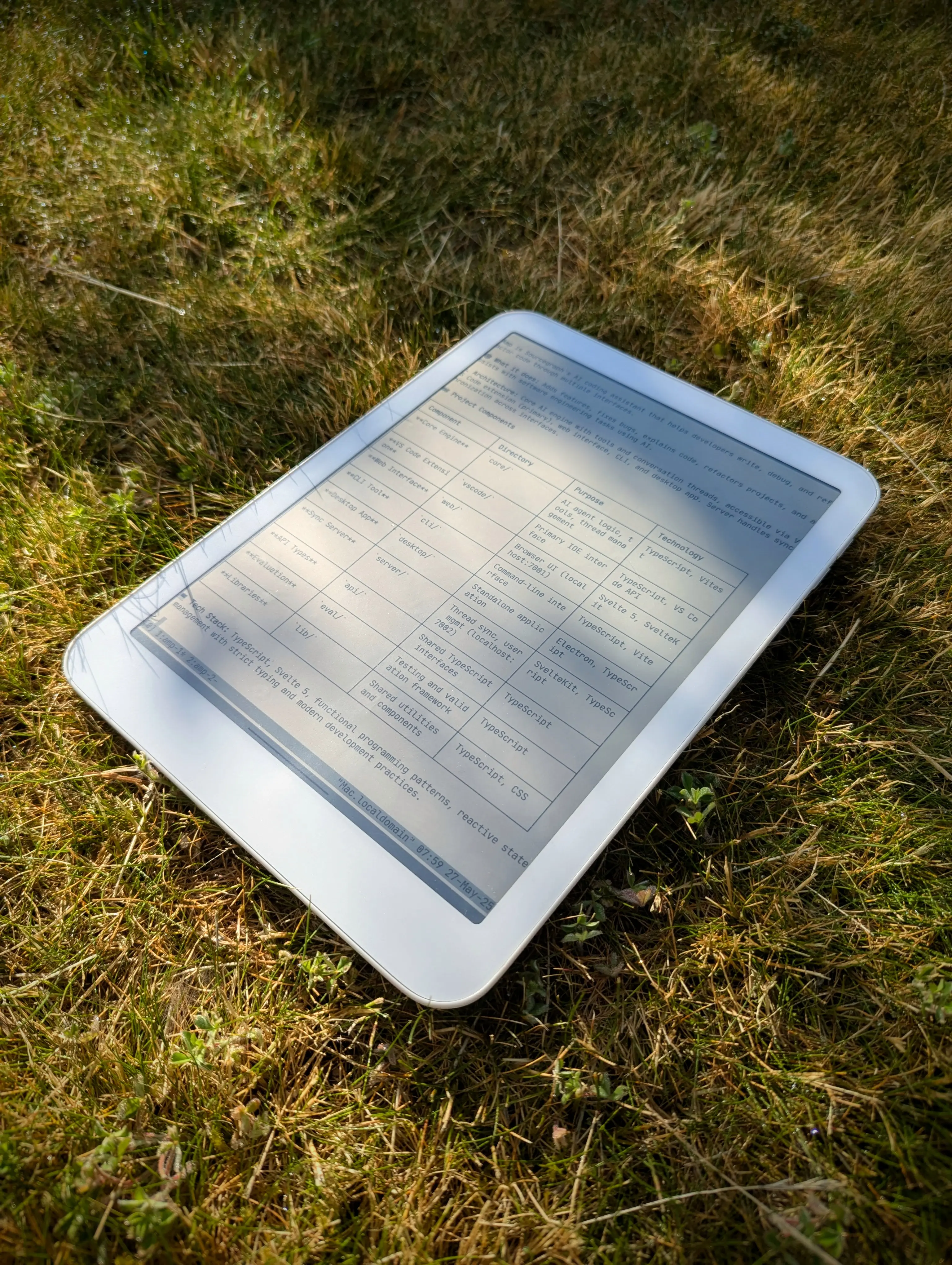 Touch grass, as they say.