Styling Web Text Fragments with `::target-text`
Discover how to customize the appearance of web text fragments using the `::target-text` CSS pseudo-element. Enhance user experience by applying unique styles to shared, highlighted content across all major browsers.
Imagine you're reading an insightful article and want to share a specific section with a friend without them needing to read the entire piece. This is precisely where text fragments become incredibly useful.
As a user, you can easily highlight any portion of text on a web page and create a direct link to it. For instance, in Safari, you can right-click the highlighted text and select "Copy Link with Highlight" from the context menu. This action generates a URL that, when opened, will automatically navigate to and highlight that specific text fragment on the page.
By default, this highlighting typically appears as a subtle, pale yellow background beneath the selected text, as shown here:
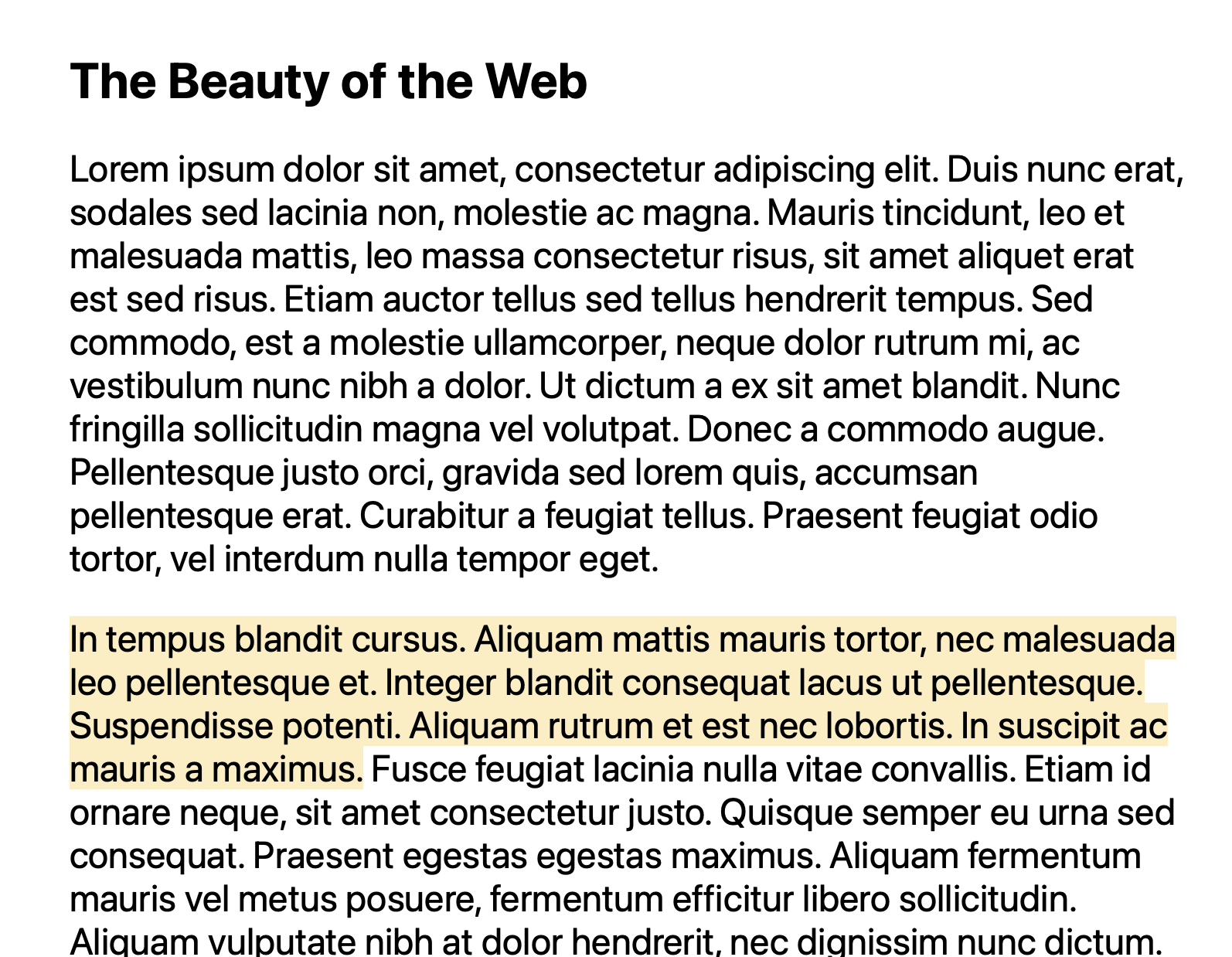
Now, considering the developer perspective, how can we customize this user experience? The solution lies in the ::target-text pseudo-element.
In your CSS file, you can utilize the ::target-text pseudo-element to apply custom styles to text fragments. For example:
::target-text {
  background-color: blue;
  color: white;
}
Implementing this CSS would transform the default highlight into a custom style, such as white text on a blue background, as demonstrated below:
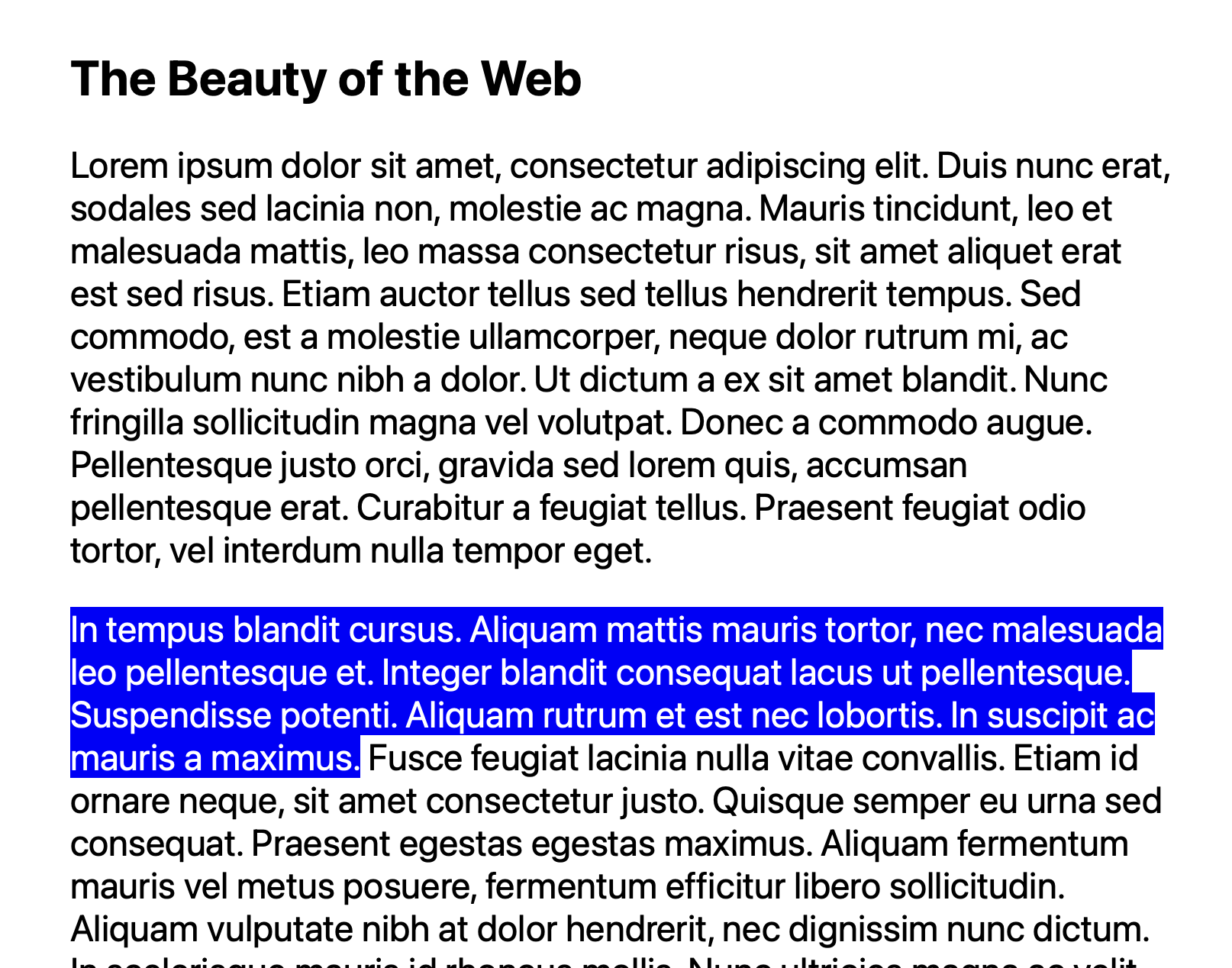
By leveraging ::target-text, developers gain control over how highlighted text fragments appear to their users, enhancing the visual experience. This powerful pseudo-element is fully supported across all major browsers.