Top 5 Headless CMS Options for Developers in 2026: A Comprehensive Comparison
This guide compares the top 5 headless CMS options for developers in 2026, including Prismic, Sanity, Contentful, Strapi, and Hygraph. Discover their features, pricing, and key benefits to choose the best platform for your projects.
Headless CMSs represent the modern standard for developers, offering greater flexibility, control, scalability, and performance compared to traditional all-in-one systems. The core principle involves decoupling the backend from the frontend, allowing for the use of any framework like Next.js or SvelteKit and delivering content anywhere (web, mobile, IoT) through APIs. Key headless CMS options include Prismic (ideal for visual page building), Sanity (best for complex content operations and developer-heavy teams), Contentful (a comprehensive digital experience platform), Strapi (open-source and self-hosted), and Hygraph (GraphQL-native).
Modern platforms frequently incorporate AI-powered tools for content creation, translation, and automation. When selecting a headless CMS, essential considerations include pricing, API type (REST vs. GraphQL), the ecosystem of integrations, and your team's specific workflow needs.
For developers seeking a modern Content Management System in 2026, headless options provide unparalleled flexibility and performance. Leading platforms such as Prismic, Sanity, Contentful, Strapi, and Hygraph deliver powerful APIs, framework independence, and scalability, granting development teams full control over frontend experiences. This guide compares these top options to help simplify your choice and accelerate your projects.
| CMS | Pricing | API Type | Best For |
|---|---|---|---|
| Prismic | Starts at $10/month | REST | Visual page building and marketer-developer collaboration. |
| Sanity | Starts at $15/month | REST & GraphQL | Structured content and automation. |
| Contentful | Starts at $300/month | REST & GraphQL | Large teams needing a full digital experience platform. |
| Strapi | Starts at $15/month | REST & GraphQL | Open-source flexibility, self-hosting, and plugins. |
| Hygraph | Starts at $199/month | GraphQL | GraphQL-native development. |
Best Headless CMSs for Developers
1. Prismic: Best for Visual Page Building and Marketer-Developer Collaboration
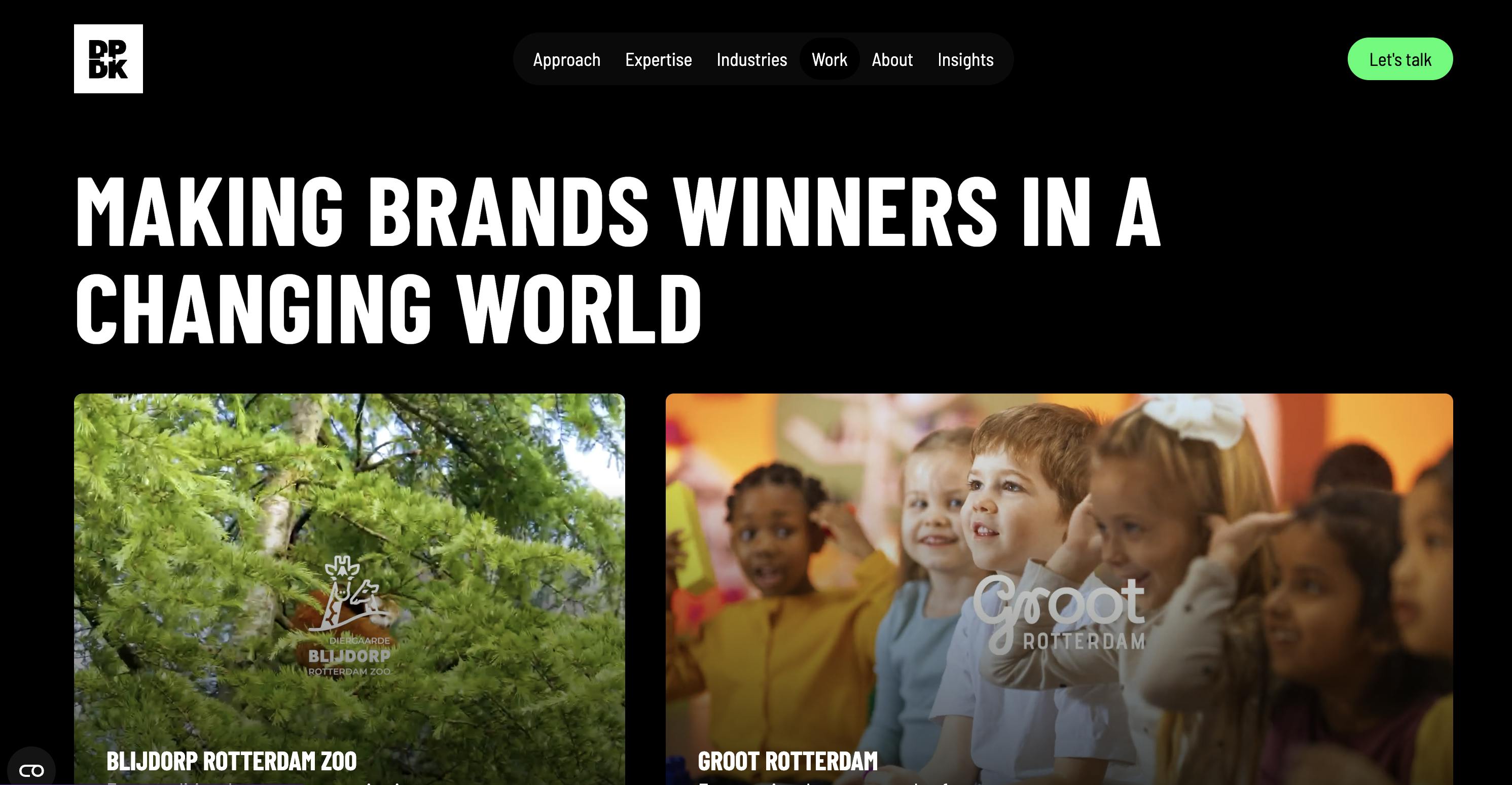
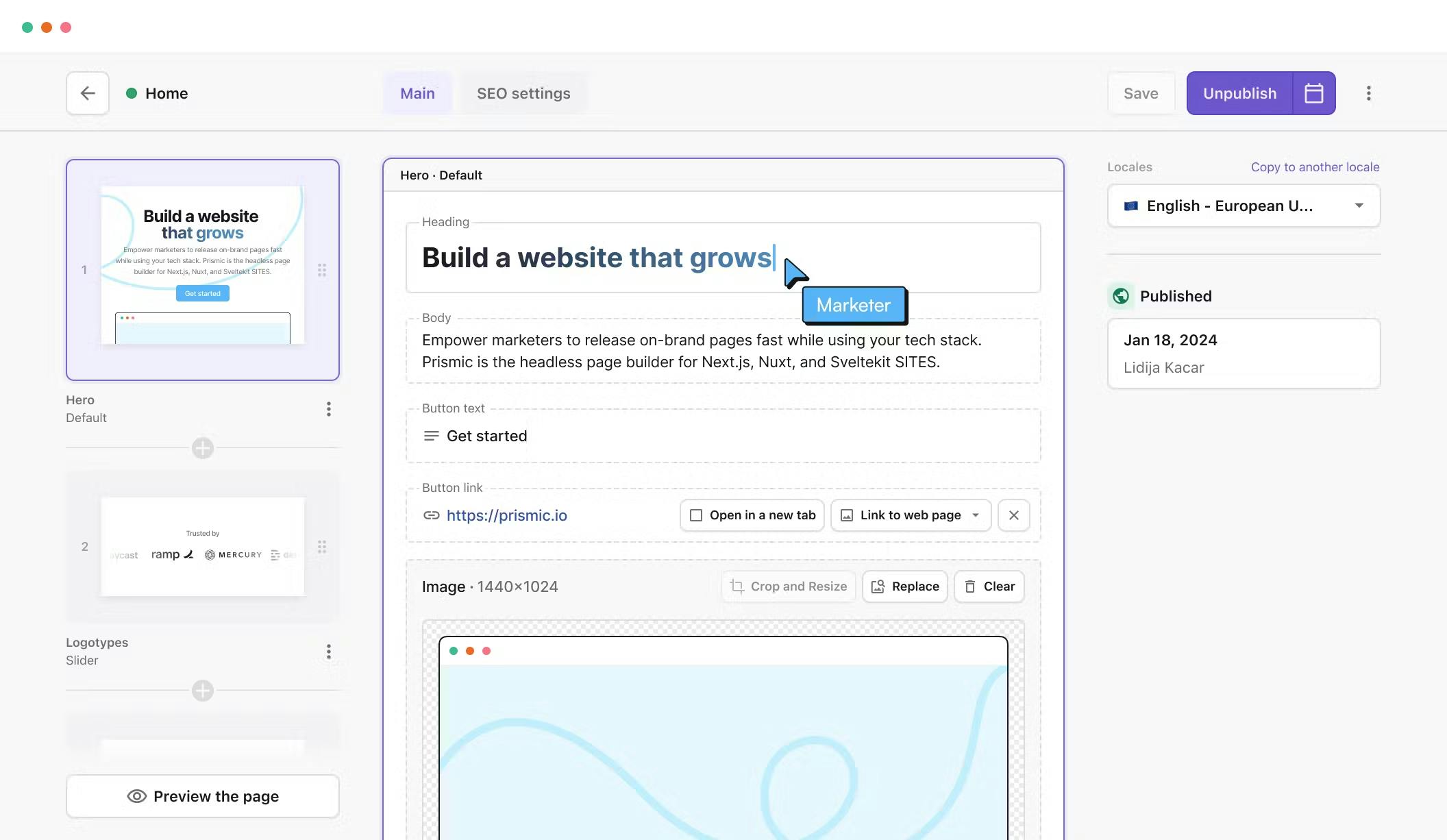
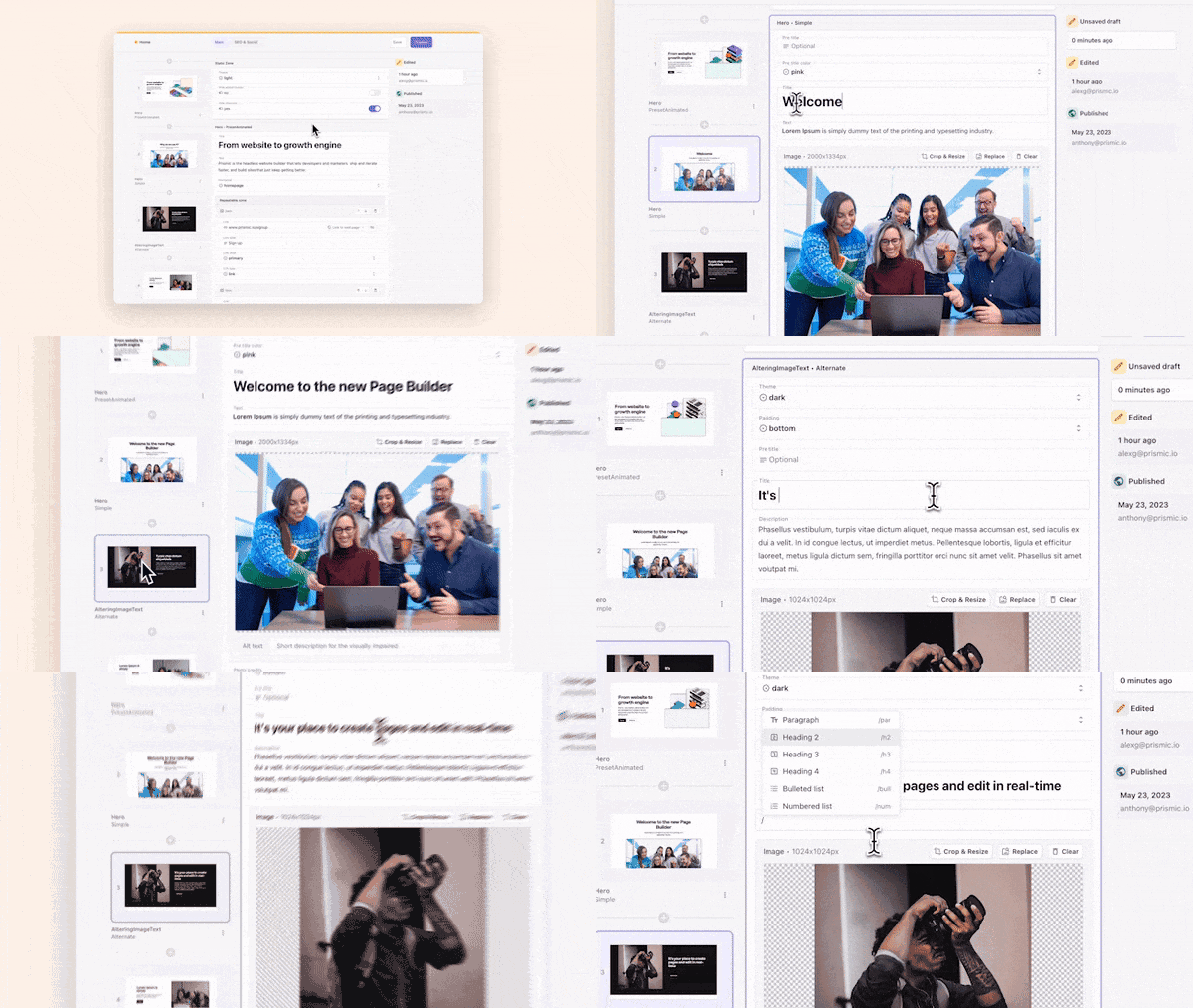
Prismic is a headless page builder designed for modern web development, providing developers with comprehensive tools to build fast, high-performing websites using leading frameworks such as Next.js and Nuxt. With Prismic, developers can construct custom components that serve as page sections, enabling marketers to independently create new pages using these pre-built elements. This process mirrors building a slide deck: drag, drop, arrange, and publish. Thousands of companies, including DPDK, leverage Prismic for their website management and scaling needs.
Standout Features
1. Slice Machine Slice Machine empowers developers to create reusable components, known as "slices," directly within their codebase. These slices are then transformed into flexible sections that marketers can utilize to build pages autonomously. Developers can model slices locally, preview them in isolation, and test them with mock data before any actual content exists, ensuring a rapid and secure workflow in a local environment.
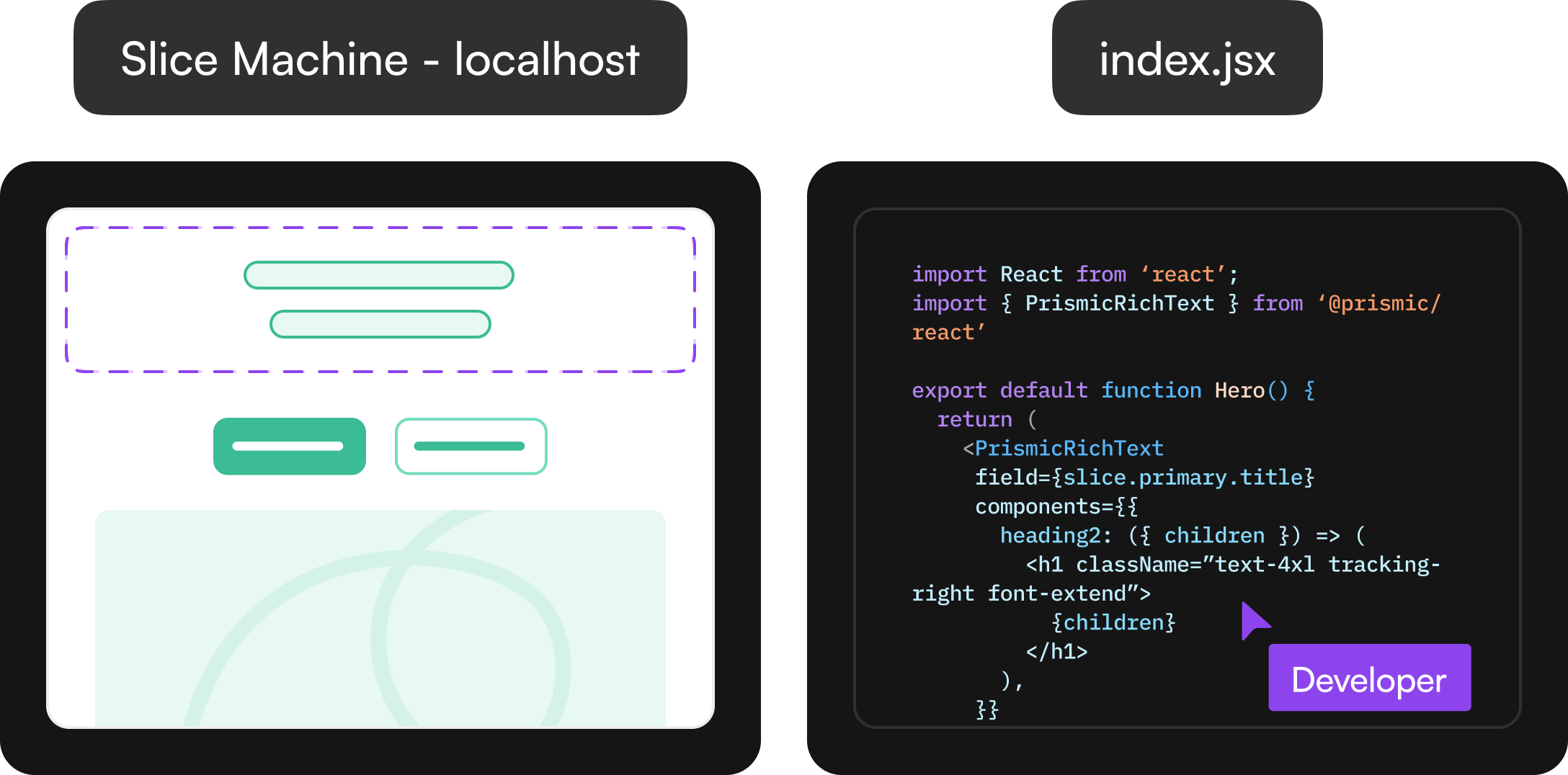
Slice Machine automates the generation of components, data models, TypeScript types, and boilerplate code, significantly reducing repetitive setup and accelerating team delivery. Within the Visual Page Builder, slices appear as reusable, drag-and-drop sections that marketers can customize and publish. Developers maintain control over structure and styling, while content teams can create new, optimized pages without requiring engineering support.
2. AI Capabilities Prismic offers a range of AI features designed to speed up website creation for both developers and content teams.
- AI Slice Creation: Assists developers in rapidly converting design screenshots into usable slices. Users upload a design image, Prismic identifies key elements, and automatically generates a slice model. Following this, AI-assisted code generation, compatible with the project's framework, styling, existing slices, and SDK configuration (via Prismic MCP), becomes available in the code editor.
- Image to Slice: Converts design images into functional slice models in seconds. Instead of manual field setup, developers upload a screenshot, and the AI automatically identifies elements such as text, images, and links. The system then generates a ready-to-use slice model within Slice Machine, complete with suggested fields that can be adjusted or refined.
- Translate with AI: Provides instant, high-quality first drafts of translations directly within the page builder, preserving structure, formatting, and internal links.
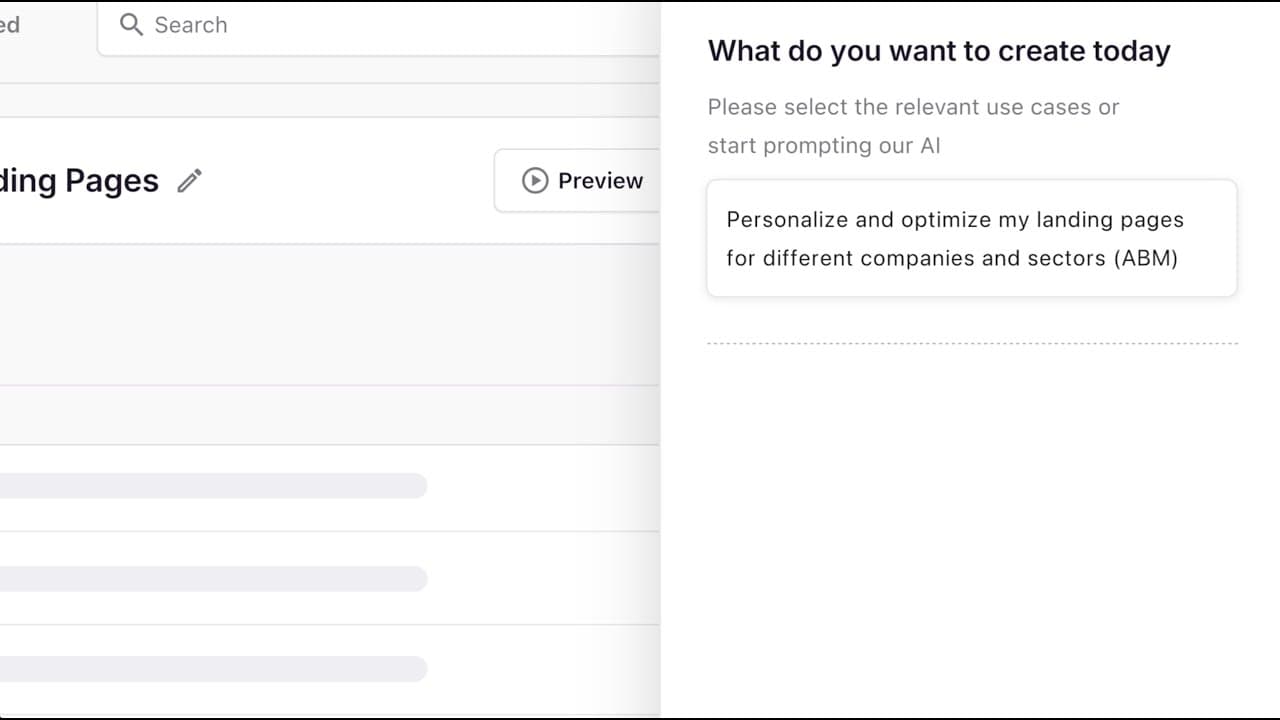
3. Landing Page Builder While developers focus on building scalable systems, marketing teams often encounter bottlenecks in producing enough landing pages to meet demand. Prismic's AI landing page builder addresses this by enabling the creation of an approved base page, followed by uploading a CSV file with targeting data (e.g., keywords or audience segments). The AI then generates dozens of high-quality, editable variations, each aligned with brand voice and tailored to campaign goals.
This approach is particularly effective for:
- SEO Campaigns: Scaling pages for long-tail keywords and new markets, creating optimized variations without compromising brand quality or consistency.
- ABM Campaigns: Generating personalized pages for different accounts, industries, or buyer roles, utilizing CRM or enrichment data for targeted experiences. This allows for scalable content creation for paid ad tests, search optimization, or post-event follow-ups, all without sacrificing quality.
Developer Benefits
- Slice Machine: Provides full control over component construction, modeling, and maintenance. Automatically generates components, data models, TypeScript types, and boilerplate code for rapid development.
- AI-Powered Workflow Automation: Tools like Image to Slice and AI slice creation minimize repetitive setup tasks, transforming designs into working code within minutes.
- Framework Flexibility: Offers comprehensive support for modern frameworks such as Next.js, Nuxt, and SvelteKit, enabling development with preferred stacks without limitations.
- Faster Collaboration: The AI landing page builder and visual editor reduce back-and-forth communication with marketing teams, accelerating page launches while maintaining design system integrity.
Limitations
- Primarily REST-based: Lacks a native GraphQL API, which some developers prefer for more flexible querying.
- Less suited for non-web content delivery: Optimized primarily for websites, requiring potential workarounds for multi-channel or app-heavy use cases.
Pricing Prismic offers a free plan for individuals and small projects. For teams, paid plans start at $10/month per user (billed annually) on the Standard plan, which includes unlimited projects and custom types.
2. Sanity: Best for Structured Content and Automation
Sanity positions itself as a content operating system, offering teams a robust foundation for managing a wide range of content workflows. Sanity's architecture is built upon three main layers:
- Content Lake: Stores content as structured data, enabling its reuse and adaptation across any frontend.
- Compute and AI: Handles automation, custom logic, and smarter workflows, treating content as dynamic data rather than static files.
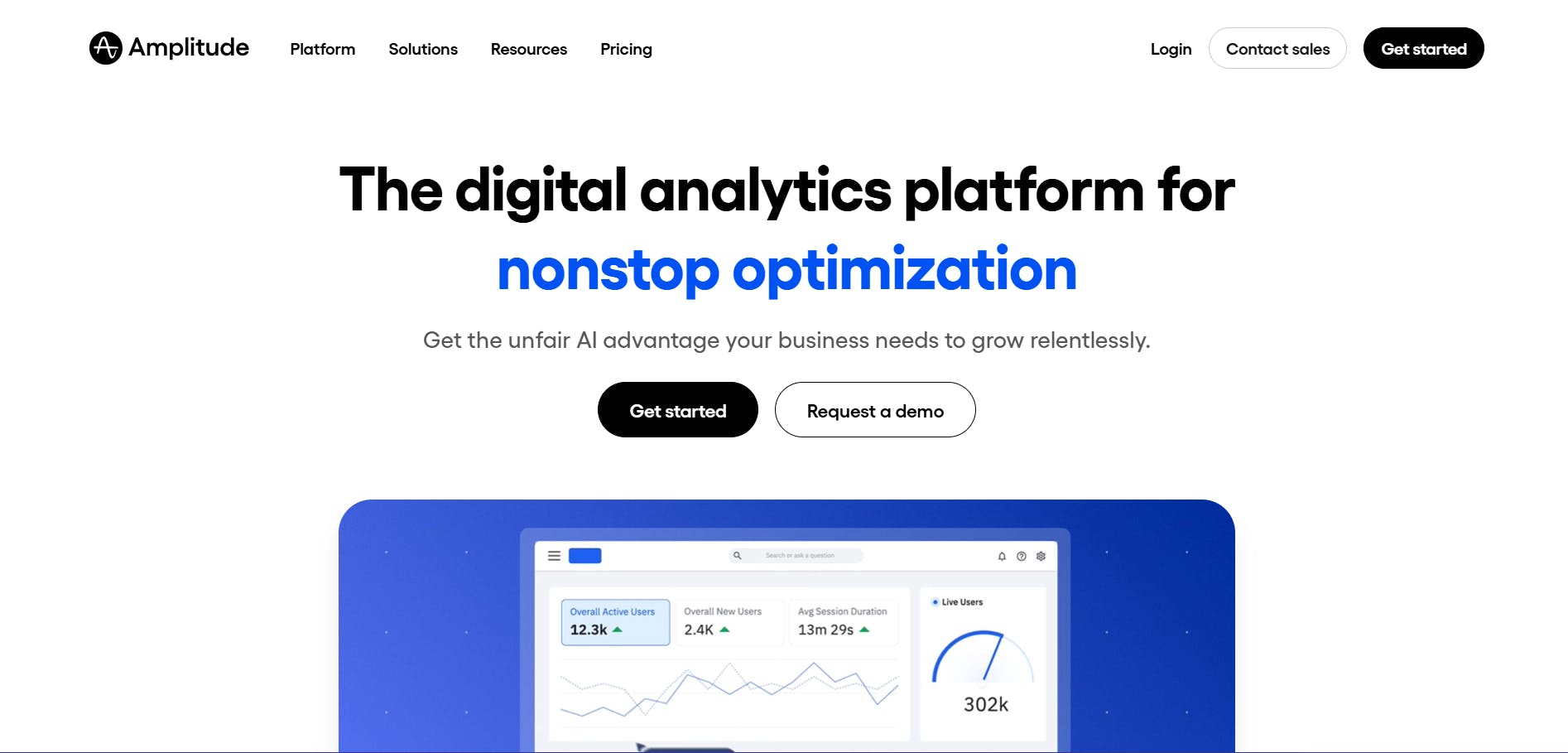
- APIs and SDKs: Allows developers to build custom content applications, connect tools, and deliver content to any destination. Amplitude's website serves as an example of a site built with Sanity.
Standout Features 1. Content Lake Sanity’s Content Lake is engineered to provide teams with a real-time, structured content hub. It treats content as JSON documents, allowing for the storage of any content type and making it instantly queryable. Users can define schemas flexibly as needed, without rigid constraints, which simplifies the evolution of content models and the import of legacy content. With GROQ (Graph-Relational Object Queries), Sanity’s open-source query language, developers can extract precisely the content they require from any document structure. It also maintains links between content pieces, ensuring connected data remains accurate and consistent across projects.
2. Sanity Functions Sanity Functions enable the automation of content operations and the construction of workflows directly within the CMS. Teams can package reusable functions to validate data, trigger tasks, update content automatically, and more. This means logic is written once and reusable across the platform, reducing repetitive coding. Functions execute directly within the Content Lake, providing full access to content, APIs, and schemas. This allows for real-time responses to events, such as automatically triggering translations or AI tagging upon document updates.
3. Content Agent Content Agent is Sanity’s AI, specifically developed for structured content. It understands content models, follows references, and interacts directly with content. The agent comprehends schemas and relationships, maintaining all connections. It can generate new content, refine existing pages, or conduct audits across thousands of documents in minutes. Content Agent also integrates web research with your content, helping to identify gaps, trends, or outdated information instantly. All changes are saved as drafts for review, ensuring no content goes live without approval.
Developer Benefits
- Single Source of Structured Content: The Content Lake stores all content as structured data, enabling modeling, querying, and reuse across any channel.
- Easier Site and App Evolution: Structured content simplifies updating or expanding projects without starting from scratch.
- Flexible Querying: GROQ allows fetching and shaping JSON-based content from the Content Lake with precision.
- Developer-Friendly Tools: SDKs support popular frameworks, provide type safety, CLI tools, and libraries for rapid and safe iteration.
- API Options: Sanity supports both REST and GraphQL APIs, offering flexibility for content fetching and delivery.
Limitations
- Higher learning curve: GROQ, custom schemas, and its Content Lake model can initially feel complex for beginners.
- Requires developer-heavy setup: Achieving full value often necessitates significant engineering involvement.
Pricing Sanity offers a free plan, and its paid plans start at $15/month.
3. Contentful: Best for Large Teams Needing a Full Digital Experience Platform
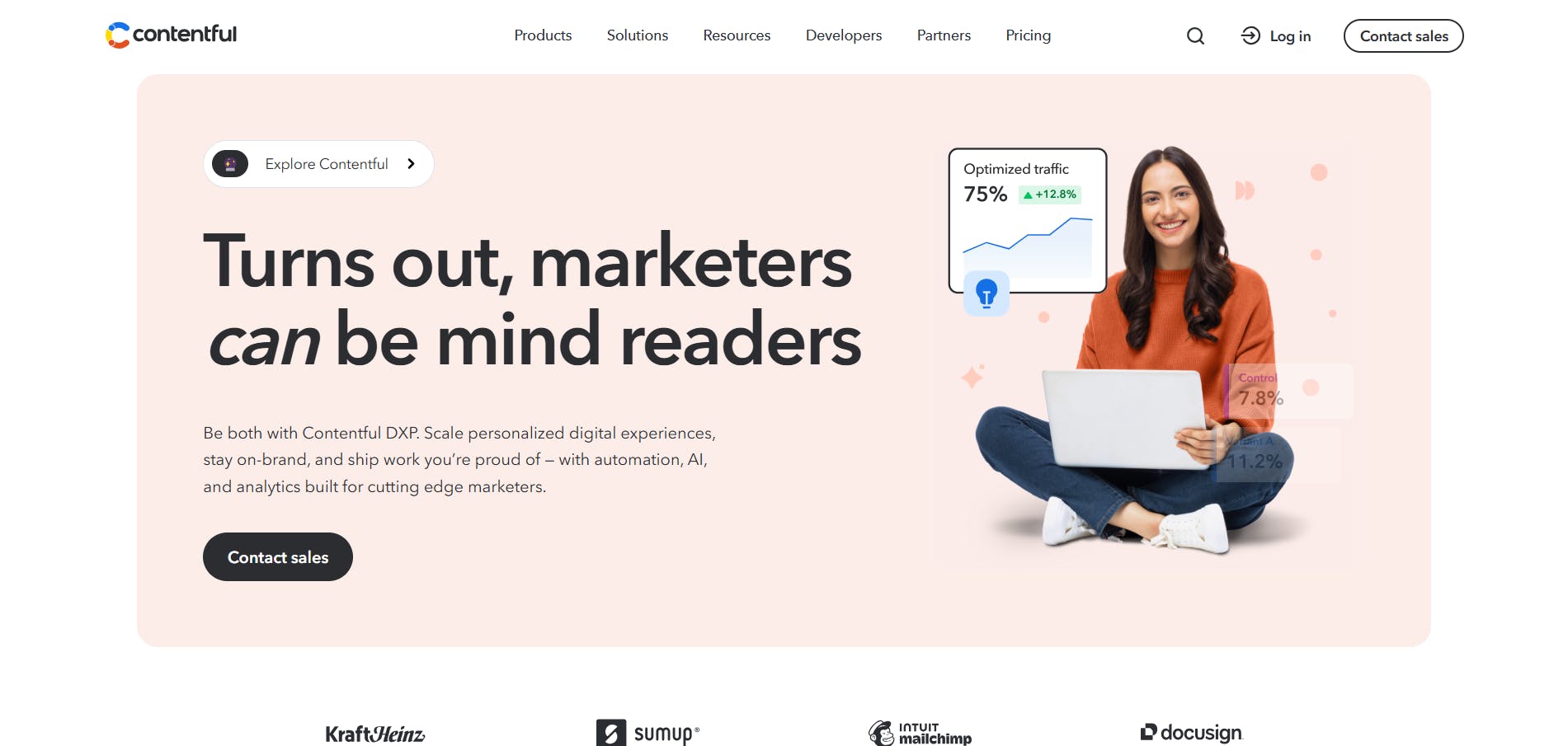
Contentful has evolved beyond a traditional headless CMS into a comprehensive Digital Experience Platform (DXP). It is designed for larger teams and enterprises that require integrated content management alongside built-in personalization tools, analytics, and experimentation capabilities within a single system. SumUp and numerous other companies rely on Contentful for their content management needs.
Standout Features 1. Contentful Analytics Contentful provides a standard analytics dashboard that displays insights such as visitors by country, total visitors, sessions, and page views. The dashboard is fully customizable, allowing users to track the metrics most relevant to them. This system also includes an analytics agent that understands the context of your analytics, enabling users to ask questions in plain language (e.g., “Which traffic source is driving the most sign-ups?”). The agent provides direct answers, eliminating the need to sift through charts or tables.
2. Contentful Personalization Contentful Personalization enables the creation of tailored experiences for different customer segments. For example, if analytics reveal that individuals in the travel industry are signing up for a webinar less frequently than other segments, Contentful Personalization can be used to test a different approach for that specific group. Users begin by creating an experiment, defining the metric to track (such as conversion rate) and how traffic will be split. Content for the new variant can be created manually or generated automatically by Contentful’s AI, utilizing the context of the target segment. Once the experiment is live, performance can be tracked over time, quickly revealing whether the new variant or the original content is performing better. This allows for running multiple experiments, personalizing content for as many audience segments as needed, and measuring what truly works.
Developer Benefits
- API Options: Contentful offers both REST and GraphQL APIs for precise data fetching.
- Multiple SDKs: SDKs for JavaScript, Python, Ruby, iOS, and Android streamline integration.
- Webhooks: Can be used to trigger automatic actions (e.g., rebuilding a site, sending notifications) when content changes.
- Image & Asset API: Provides an image API for on-the-fly manipulation (resizing, cropping, optimizing) before delivery.
Limitations
- One of the most expensive options: Pricing starts high and scales rapidly with team size and usage.
- Can feel enterprise-heavy: Powerful, but often offers more features than smaller teams or lean marketing operations require.
Pricing Contentful offers a free plan, with paid plans starting at $300/month, making it one of the market's costliest options.
4. Strapi: Best for Open-Source Flexibility, Self-Hosting, and Plugins
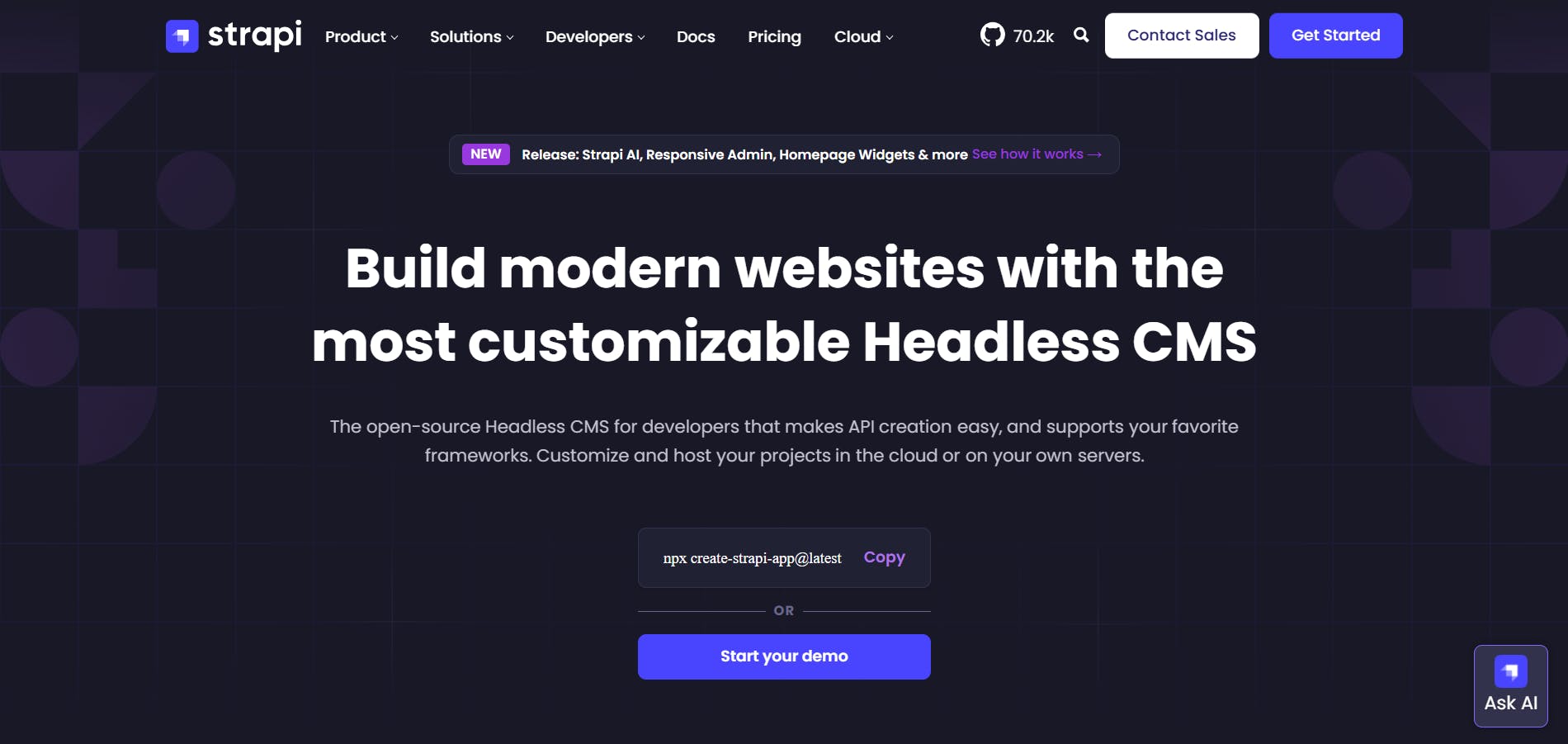
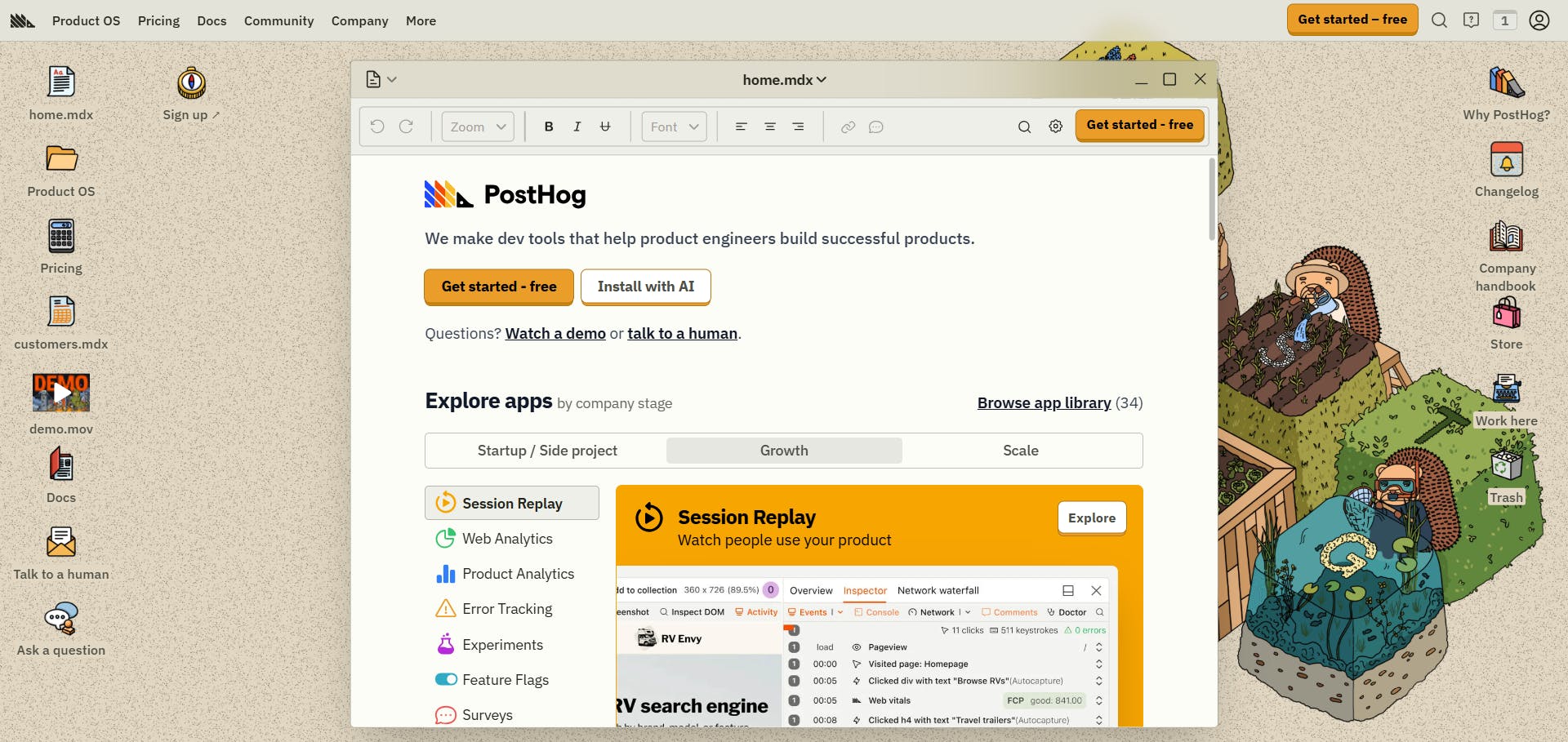
Strapi is a popular open-source headless CMS that provides developers with full control over their content and its delivery. It features a robust community and a rich plugin ecosystem. While offering tools for marketing teams to manage content, Strapi is primarily considered developer-focused. PostHog’s website is an example of a project built with Strapi.
Standout Features 1. Create API Strapi’s Create API feature simplifies the construction of the backend structure your project requires, minimizing heavy setup. The Content-Type Builder allows users to define content models, add fields, and set up relationships through a user-friendly interface, thereby eliminating the need to write boilerplate code. Once content models are defined, Strapi automatically generates REST and GraphQL APIs for them, enabling immediate data consumption by the frontend.
2. Plugin System and Marketplace Strapi’s plugin system is one of its strongest assets. Its plugin marketplace features over 350 plugins covering a wide array of use cases, from accessibility tools to image generation and utilities like auto-UUID. Some plugins are built and maintained by Strapi, others originate from the community, and many are created by official technology partners. Developers also have the option to build their own plugins using Strapi’s plugin APIs and SDKs, facilitating the addition of new features, integration of external services, or customization of the admin panel to meet specific needs.
Developer Benefits
- API-First Architecture: Strapi automatically generates REST and GraphQL APIs from your content types, accelerating backend development.
- Open-Source Flexibility: Being open-source, Strapi allows developers to inspect, extend, and fully customize the source code without vendor lock-in.
- Plugin Ecosystem: With over 350 plugins, developers can rapidly add new capabilities without building everything from scratch.
- Custom Plugin Development: Strapi’s plugin APIs and SDKs enable developers to build their own plugins to extend or customize the platform as needed.
Limitations
- Self-hosting adds overhead: Security, scaling, and maintenance responsibilities fall on your team unless Strapi Cloud is utilized.
- Performance depends on your hosting: Infrastructure choices directly impact the speed and reliability of your application.
Pricing
- Self-hosted: Strapi is open-source and free to use, making it ideal for personal projects or single users. For teams, a paid plan starts at $45/month for three seats.
- Cloud hosting: Strapi Cloud is the managed, hosted version. It also offers a free tier/project, with paid plans starting at $15/month/project for additional features and support.
5. Hygraph: Best for GraphQL-Native Development
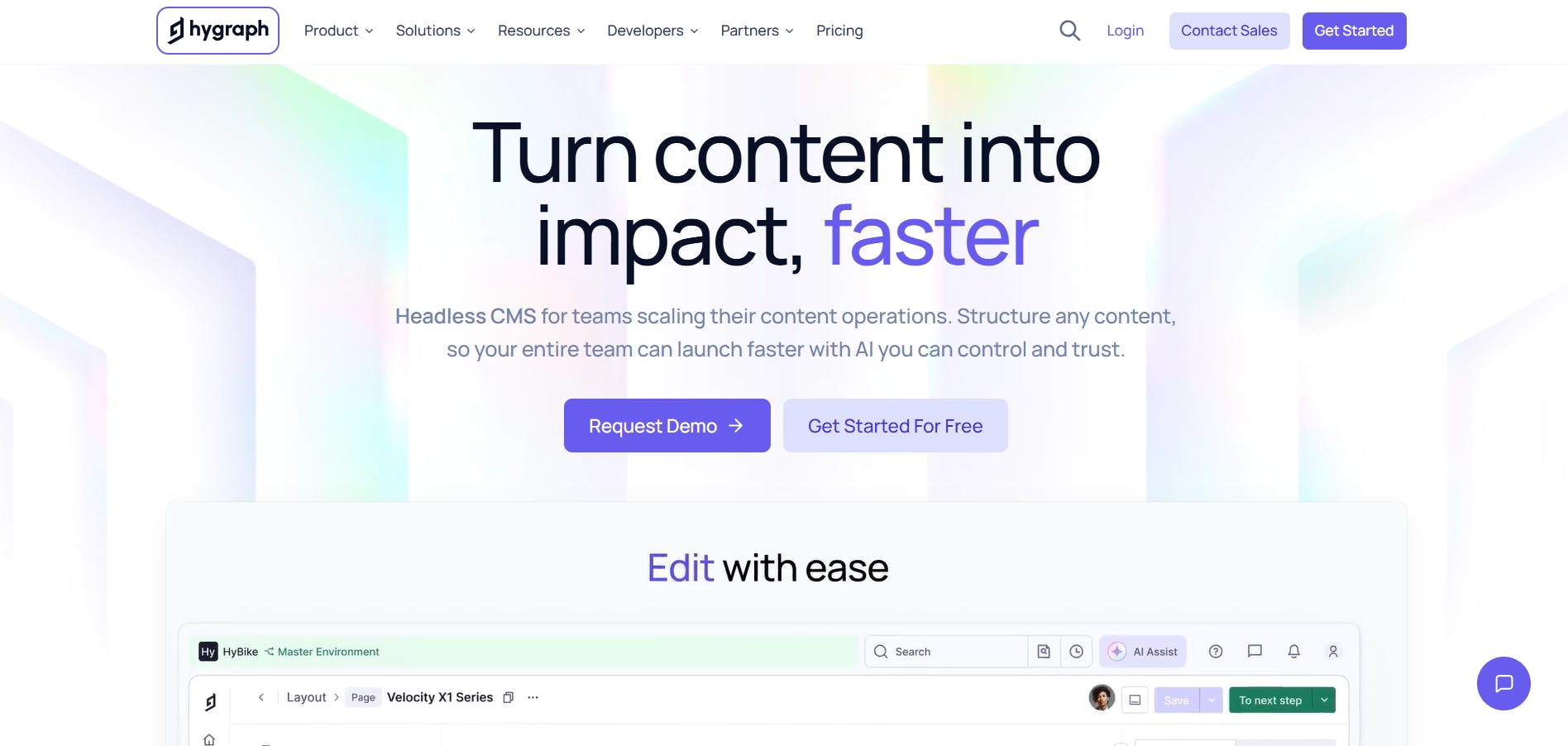
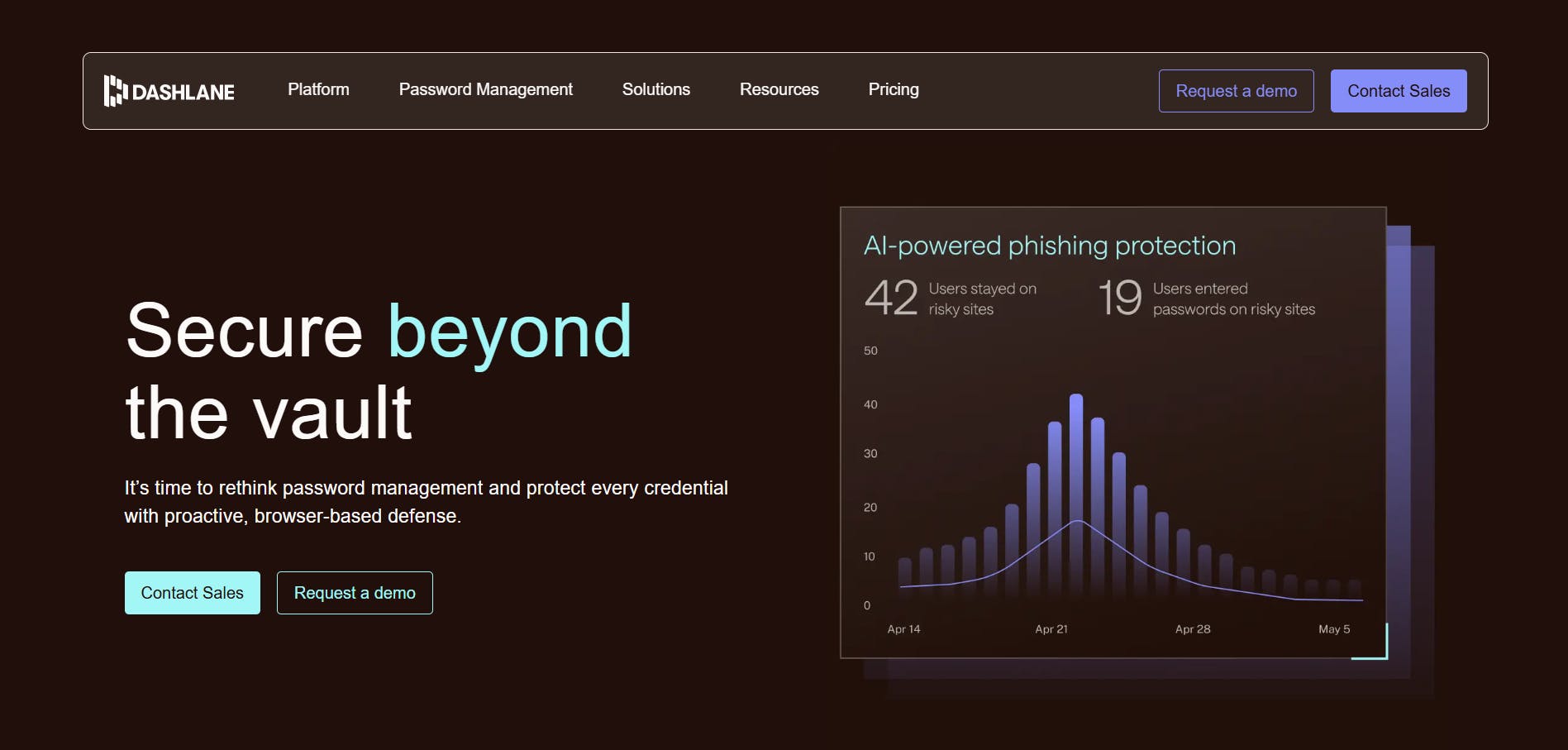
Hygraph is a headless CMS that adopts a GraphQL-native approach, meaning its architecture is built around flexible relationships rather than fixed content structures. This design simplifies the modeling of complex content, facilitates its connection across various systems, and enables delivery through any channel. Dashlane and many other websites power their content management solutions with Hygraph.
Standout Features 1. AI Solutions Hygraph integrates AI directly into content workflows, streamlining and accelerating content creation, improvement, and management while maintaining governance. Its AI Assist tool helps generate, translate, or refine entries in seconds, providing control over content clarity and tone. Hygraph also offers various AI agents:
- Translation Agent: Localizes entries into desired languages, facilitating faster entry into new markets while ensuring brand consistency.
- Summarization Agent: Condenses content while preserving its core meaning, saving time during repurposing efforts.
- SEO and GEO Agent: Optimizes content for search engines and generative search, ensuring strong performance in both traditional SEO and AI-driven results.
2. MCP Server The Hygraph MCP (Model Context Protocol) Server allows direct connection of your content to AI assistants using the Model Context Protocol. This enables content management, querying, and publishing through natural language commands within tools like Claude, Cursor, or VS Code. It supports tasks such as discovering content schemas, creating or updating entries, generating TypeScript types, and publishing content. The MCP Server also facilitates CRUD operations, bulk updates, and workflow automation.
Developer Benefits
- Flexible Schema Management: Allows developers to modify content models via the UI, API, Management SDK, or MCP server to fit any workflow.
- GraphQL Playground: An interactive environment for developers to explore, test, and debug queries and mutations, leading to faster development cycles.
- Marketplace Extensions: The plugin ecosystem enables developers to quickly add functionality without building everything from scratch.
- Custom App Development: Developers can build their own apps, fields, or sidebar tools to extend Hygraph precisely as needed.
- MCP Server Support: Enables developers to safely connect Large Language Models (LLMs) and agentic workflows to programmatically read, write, and and publish content.
Limitations
- Higher starting price: Paid plans begin at a significantly higher tier than most competitors.
- GraphQL-only: While highly beneficial for developers, non-technical teams may require more extensive onboarding.
Pricing Hygraph offers a free plan, with paid plans starting at $199/month.
How to Choose the Right Headless CMS
Selecting the ideal headless CMS depends on your team's operational style, the types of websites or applications you build, and what you prioritize in your workflow. No single platform suits every need, so a detailed evaluation of several key factors is essential before committing to a system.
Budget and Pricing Model Platforms vary in their pricing models; some charge based on usage or API calls, while others use a flat monthly or annual fee. Your budget should encompass more than just the subscription cost, also considering setup, hosting, and ongoing maintenance. A self-hosted option might save money upfront but often demands more developer time. Fully managed platforms handle hosting and updates, reducing workload but potentially becoming expensive as your content and traffic grow.
API Type Most headless CMSs offer either REST or GraphQL APIs.
- REST: Widely supported, often easier for beginners, and adheres to clear conventions. It also benefits from built-in caching at the browser or CDN level because each resource has a predictable URL. However, REST can become limiting as projects scale; fixed data structures might lead to over-fetching, increasing latency, and slowing performance.
- GraphQL: Offers developers significantly more flexibility. Instead of making multiple calls to different endpoints, you can fetch all the required data in a single query and retrieve only the exact fields you need.
Ecosystem and Integrations A robust ecosystem can save hours of setup work. Look for CMSs that integrate smoothly and provide strong support for your preferred framework and tools, such as Vercel, Netlify, or Cloudflare. Additionally, check for built-in extensions or plugins that integrate with the services your team already uses.
Content Workflow and Team Experience Your team's interaction with content should strongly influence your CMS choice.
- Content-heavy teams: Will find built-in visual editors or live previews highly beneficial. These tools allow editors to see how a page will appear before publishing, reducing back-and-forth with developers.
- Developer-led projects: Should focus on CMSs that support version control, API flexibility, and local development environments. The ability to synchronize content models with Git or deploy through CI/CD pipelines streamlines development and management.
Key Takeaways and Next Steps
This guide has provided a comprehensive look at some of the best headless CMSs for developers in 2026. We've explored how each platform approaches content management, highlighted their key features, pricing, and the benefits they offer to developers. We also walked through the main factors to consider when choosing a CMS. While each platform has its strengths, some go further in helping teams build faster, collaborate better, and maintain consistency across channels. For these reasons, we strongly recommend Prismic. Its headless page builder empowers developers and marketers to create on-brand pages efficiently, without sacrificing control over code or design.
To explore Prismic further:
- Create a free Prismic account to experience the interface and understand content modeling and publishing.
- Request a demo to receive a walkthrough tailored to your team’s workflow and goals.
- Try the product live using the interactive demo environment, which includes a guided tour and access to the demo website’s code.
FAQs
What is a headless CMS? A headless CMS is a content management system that is not directly integrated into your website's frontend, unlike traditional platforms such as WordPress or Drupal. Instead, it operates separately in the cloud, where a provider hosts and maintains the content management interface. Developers use APIs to retrieve content from the CMS whenever it is needed on your website. The CMS manages all content storage and editing tools, while your website's frontend can be built with any technology you choose. This separation offers two significant advantages: you are not confined to a specific technology stack (allowing use of Next.js, SvelteKit, or other frameworks), and content delivery via APIs (rather than tight coupling) typically results in faster and more efficient site performance.
Why do developers prefer headless CMSs in 2026? Developers prefer headless CMSs due to the increased flexibility, control, scalability, and performance they offer. These systems enable developers to utilize their preferred modern frameworks, facilitate multi-channel content delivery (web, mobile, IoT) through robust APIs, and streamline workflows by separating content from its presentation. This leads to faster development cycles and the creation of more robust, future-proof applications.
Which headless CMS is best? The "best" headless CMS is subjective and depends on specific team needs and project requirements. Prismic excels for visual page building and marketer-developer collaboration. Sanity is strong for structured content and automation. Contentful is ideal for large teams needing a full digital experience platform. Strapi offers excellent open-source flexibility and self-hosting options. Hygraph is a top choice for GraphQL-native development. A thorough evaluation of each platform's features, pricing, and workflow compatibility is highly recommended to make an informed decision.
Which headless CMSs are free? Several leading headless CMS platforms offer free plans suitable for individuals or small projects. These include Prismic, Sanity, Contentful, Strapi (both self-hosted and cloud tiers), and Hygraph. These free tiers typically provide core functionalities, enabling users to explore the platforms and assess their suitability before committing to paid plans for larger teams or more extensive usage.
What makes headless CMSs the future of web development? Headless CMSs are considered the future of web development because they embody the modern, API-first approach to building digital experiences. They support omni-channel content delivery, offer framework independence, enhance performance, and provide greater scalability. By decoupling content from its presentation layer, headless CMSs facilitate rapid innovation, personalized user experiences, and efficient content management across diverse platforms and emerging technologies.
How do headless CMSs compare to traditional CMSs? Headless CMSs differ significantly from traditional CMSs by separating the content repository (backend) from the presentation layer (frontend). Traditional CMSs, such as WordPress, are monolithic systems that combine both. Headless CMSs offer superior flexibility, allowing developers to use any frontend technology and deliver content to any device via APIs. This approach results in better performance, scalability, and developer control, whereas traditional CMSs can lead to vendor lock-in and slower development cycles, particularly for multi-channel strategies.
How do headless CMSs improve performance? Headless CMSs enhance performance by delivering content via APIs, which enables the frontend to be built with highly optimized, fast frameworks (e.g., Next.js, SvelteKit). This separation allows the Content Delivery Network (CDN) and frontend to be optimized for speed independently of the CMS backend. Data can be fetched precisely (especially with GraphQL), reducing payload size and improving load times. Furthermore, many headless setups leverage Static Site Generation (SSG) or Server-Side Rendering (SSR), contributing to faster initial page loads and improved SEO.
What are the main challenges of using a headless CMS? The main challenges of using a headless CMS include:
- Frontend Development Responsibility: Developers assume full responsibility for building and maintaining the frontend.
- Increased Complexity: Setting up and integrating APIs, multiple frameworks, and deployment pipelines can be more intricate than with traditional CMSs.
- Preview Limitations: Marketers might lack a built-in "what you see is what you get" (WYSIWYG) editor unless custom solutions for live previews are implemented.
- Cost: While free tiers exist, scaling can become expensive, and self-hosting entails significant operational overhead.
- Learning Curve: Adopting new tools, APIs, and workflows can present a learning curve for development and content teams.
How do APIs work in headless CMSs?
In headless CMSs, APIs (Application Programming Interfaces) are the primary mechanism for interacting with content. The CMS stores content, and developers use APIs (typically REST or GraphQL) to programmatically request and receive this content. REST APIs use standard HTTP methods (GET, POST, PUT, DELETE) and expose resources through distinct URLs; developers make requests to specific endpoints (e.g., /api/posts/123) to obtain content, usually in JSON format. GraphQL APIs, conversely, provide a single endpoint, allowing developers to craft precise queries to fetch exactly the data they need in one request, including nested relationships. These APIs ensure content is delivered efficiently and in a structured format, enabling frontend applications to consume and display it across various channels.